
AI has become a valuable study companion, but not every student has the budget for premium subscriptions. The good news is that many leading AI platforms offer generous free plans that can help with homework, essay writing, research, note-taking, coding, presentations, and exam preparation.
The challenge isn’t finding a free AI app—it’s knowing which ones are genuinely useful and which free versions are too limited for everyday study.
This guide reviews the Best Free AI Tools for Students, explaining what each tool does, what you can access without paying, where the free plan falls short, and which students will benefit most. Whether you’re in high school, college, or university, these free AI study tools can help you work smarter while keeping your costs at zero.
For a complete comparison of both free and premium options, see our guide to Best AI Tools for Students.
Why Use Free AI Tools?
Free AI tools give students access to powerful learning assistants without paying for a subscription. While free plans usually include usage limits, they are more than capable of supporting everyday studying, writing, research, brainstorming, and academic productivity.
Many students assume that paid AI tools are always necessary, but that’s rarely true. By combining several free AI apps, you can build an effective study toolkit that covers almost every subject.
Free AI learning tools can help you:
- Understand difficult topics
- Summarize textbooks
- Improve essays
- Solve math problems
- Organize lecture notes
- Prepare presentations
- Practice coding
- Plan revision schedules
- Brainstorm project ideas
The key is knowing which tool is best for each task instead of relying on one AI assistant for everything.
Quick Comparison Table
| AI Tool | Free Plan | Best For | Main Limitation |
|---|---|---|---|
| ChatGPT | ✅ | Homework, studying, writing | Usage limits and advanced features require a paid plan |
| Google Gemini | ✅ | Productivity, Google Workspace | Premium features available separately |
| Claude | ✅ | Long PDFs and writing | Daily usage limits |
| Microsoft Copilot | ✅ | Microsoft 365 users | Some advanced capabilities require paid plans |
| Perplexity AI | ✅ | Research | Limited advanced searches |
| NotebookLM | ✅ | Personal study materials | Requires uploaded content |
| Grammarly | ✅ | Grammar checking | Advanced writing suggestions require Premium |
| Canva | ✅ | Presentations | Premium templates and assets are locked |
| Photomath | ✅ | Mathematics | Some detailed explanations require Premium |
| Wolfram Alpha | ✅ | STEM subjects | Advanced computational features are limited |
Best Free AI Tools for Students
The best free AI tools combine generous free access with practical features that help students learn more efficiently. The platforms below consistently deliver strong value without requiring a subscription.
ChatGPT Free
Best For
- Homework help
- Study planning
- Essay brainstorming
- Learning difficult concepts
- Exam preparation
What ChatGPT Free Does
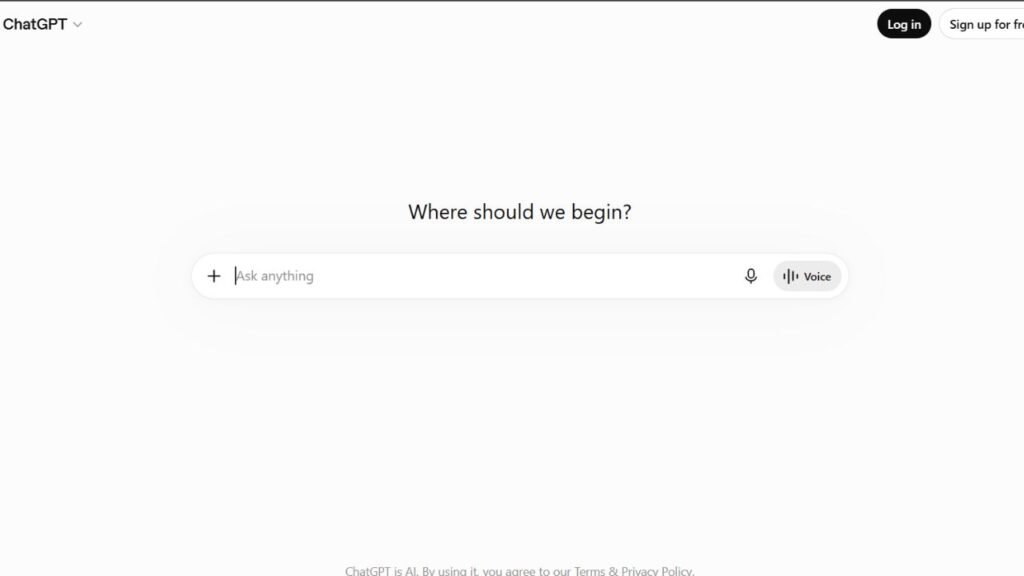
Developed by OpenAI, ChatGPT Free remains one of the most useful AI tools available to students. It can explain concepts, answer questions, generate practice quizzes, help brainstorm essays, simplify textbook material, and create personalized study plans.
Instead of memorizing information, students can ask follow-up questions until they fully understand a topic.
Why Is It Free?
OpenAI offers a free version so users can access core AI capabilities while reserving higher usage limits and advanced models for paid subscribers.
Limitations of the Free Plan
- Daily usage limits during busy periods
- Access to premium features is restricted
- Advanced tools may require an upgrade
Despite these limits, ChatGPT Free is sufficient for most homework and revision tasks.
Best For
- High school students
- College students
- University students
- Independent learners
Pros
- Easy to use
- Excellent explanations
- Supports nearly every subject
- Helpful study assistant
- Great for brainstorming
Cons
- Can occasionally provide incorrect information
- Citations should always be verified
- Not designed to replace academic research
Real Student Use Cases
Students use ChatGPT Free to:
- Prepare for exams
- Create revision schedules
- Generate practice questions
- Improve essay outlines
- Learn programming basics
- Understand science concepts
Paid Alternative
ChatGPT Plus provides higher usage limits and access to additional advanced features.
Google Gemini Free
Best For
- Google Docs users
- Research assistance
- Productivity
- Classroom collaboration
What Google Gemini Free Does
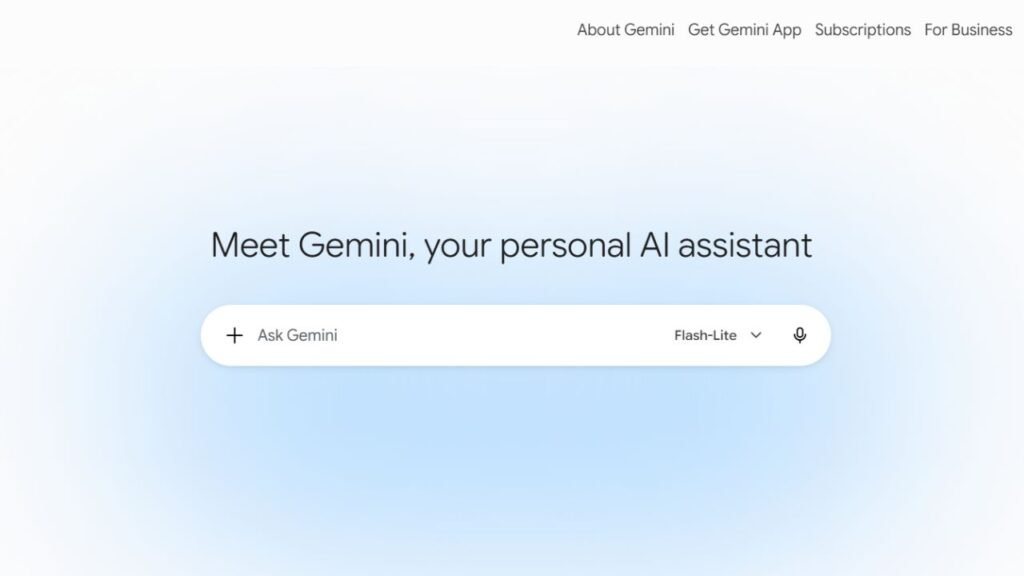
Google Gemini works particularly well for students already using Google Workspace. It assists with writing, brainstorming, summarizing information, organizing assignments, and answering academic questions.
Because many schools already use Google services, Gemini fits naturally into existing workflows.
Why Is It Free?
Google offers Gemini Free to encourage adoption while reserving premium AI capabilities for advanced subscription tiers.
Free Plan Limitations
- Some advanced AI models are unavailable
- Premium productivity features require payment
Pros
- Excellent Google integration
- Fast responses
- Beginner-friendly
- Helpful for group projects
Cons
- Responses still require verification
- Less specialized for academic research
Real Student Use Cases
Students use Gemini Free to:
- Summarize Google Docs
- Organize assignments
- Brainstorm essays
- Create presentation outlines
- Plan revision timetables
Paid Alternative
Google’s premium AI plans provide additional features and expanded usage.
Claude Free
Best For
- Reading long PDFs
- Essay improvement
- Literature reviews
- Academic writing
What Claude Free Does
Created by Anthropic, Claude has earned a strong reputation for handling lengthy documents and producing thoughtful explanations. Students reading journal articles or research papers often prefer Claude because it performs well with large amounts of text.
Why Is It Free?
Anthropic provides a free version that introduces users to Claude while offering higher limits through paid subscriptions.
Free Plan Limitations
- Daily usage restrictions
- Premium features reserved for subscribers
Pros
- Excellent document analysis
- Clear explanations
- Strong writing assistance
- Helpful summaries
Cons
- Usage limits can affect heavy users
- References should still be verified
Real Student Use Cases
Students commonly use Claude Free to:
- Review PDFs
- Summarize textbooks
- Improve essays
- Understand research papers
- Prepare for exams
Paid Alternative
Claude Pro provides expanded usage and access to more advanced capabilities.
Microsoft Copilot Free
Best For
- Microsoft 365 users
- Writing assistance
- Productivity
- Everyday research
What Microsoft Copilot Free Does
Built by Microsoft, Copilot combines AI assistance with Microsoft’s productivity ecosystem. Students using Word, PowerPoint, or Edge can benefit from AI-powered writing suggestions, research support, and content organization.
Why Is It Free?
Microsoft includes a free version to introduce students and professionals to AI-assisted productivity while offering advanced capabilities through premium subscriptions.
Free Plan Limitations
- Premium Microsoft 365 AI features require payment
- Some advanced integrations are unavailable
Pros
- Familiar Microsoft interface
- Helpful writing suggestions
- Strong productivity features
- Easy to learn
Cons
- Best experience requires Microsoft services
- Less specialized than dedicated research tools
Real Student Use Cases
Students often use Microsoft Copilot Free to:
- Draft reports
- Brainstorm assignments
- Improve presentations
- Organize notes
- Research project ideas
Paid Alternative
Microsoft Copilot Pro and Microsoft 365 AI subscriptions unlock additional productivity features.
Perplexity AI Free
Best For
- Academic research
- Fact-checking
- Finding reliable sources
- Background reading
What Perplexity AI Free Does
Perplexity AI combines conversational AI with search capabilities, making it one of the strongest free AI research tools available. Instead of providing unsupported answers, it frequently includes references that help students verify information.
This makes it particularly valuable when beginning essays or research projects.
Why Is It Free?
The free plan allows students to experience its core research features while advanced capabilities are reserved for paid users.
Free Plan Limitations
- Limited advanced searches
- Premium research tools require a subscription
Pros
- Source-backed responses
- Fast research
- Easy fact-checking
- Excellent starting point for assignments
Cons
- Original sources should still be reviewed
- Doesn’t replace academic databases
Real Student Use Cases
Students use Perplexity AI Free to:
- Research essay topics
- Compare viewpoints
- Discover reliable resources
- Verify AI-generated information
- Build research outlines
Paid Alternative
Perplexity Pro expands search capabilities and offers additional advanced AI features.
NotebookLM
Best For
- Studying personal notes
- Lecture summaries
- PDF analysis
- Exam revision
What NotebookLM Does
NotebookLM is different from most AI study assistants because it focuses on your own documents. Students upload lecture notes, textbooks, PDFs, presentations, or study guides and then ask questions based on those materials.
This makes NotebookLM especially useful for revision because answers are grounded in the documents you’ve provided rather than relying on general internet knowledge.
Why Is It Free?
Google offers NotebookLM with free access to encourage educational use while continuing to develop the platform.
Free Plan Limitations
- You must upload your own study materials.
- Some advanced capabilities may change as the platform evolves.
Pros
- Excellent for exam preparation
- Accurate document-based answers
- Saves hours reviewing notes
- Organizes study material efficiently
Cons
- Not intended as a general-purpose AI chatbot
- Less useful without your own documents
Real Student Use Cases
Students use NotebookLM to:
- Review lecture slides before exams
- Search through semester notes
- Summarize long reading assignments
- Create personalized revision resources
- Understand complex course materials
Paid Alternative
NotebookLM’s feature availability may expand over time as Google introduces new capabilities.
Grammarly (Free)
Best For
- Grammar checking
- Proofreading essays
- Improving sentence structure
- Academic writing
What Grammarly Free Does
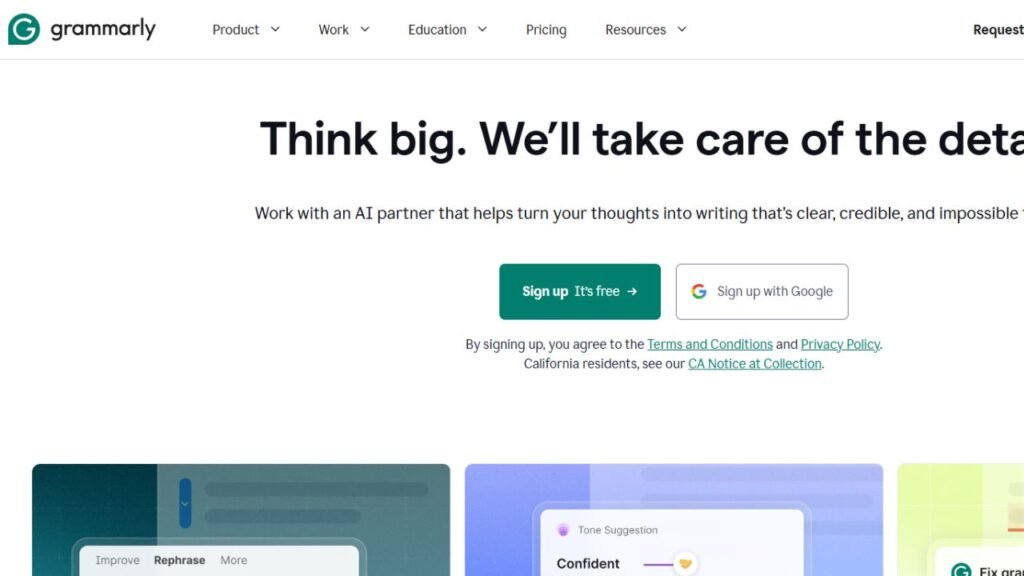
Grammarly is one of the most popular free AI writing tools available. It checks grammar, spelling, punctuation, and basic writing clarity while you type. Whether you’re writing an essay, discussion post, scholarship application, or email to a professor, Grammarly helps eliminate common writing mistakes before submission.
Why Is It Free?
Grammarly offers its core writing assistant at no cost so students can improve everyday writing. Advanced writing suggestions, tone adjustments, plagiarism detection, and AI writing features are available in paid plans.
Free Plan Limitations
- Limited AI writing assistance
- No advanced style rewrites
- Premium grammar suggestions are locked
- Plagiarism checker requires a paid subscription
Pros
- Easy to install
- Works with browsers and Microsoft Word
- Improves grammar instantly
- Great for academic writing
Cons
- Advanced writing improvements require Premium
- Doesn’t perform academic research
Real Student Use Cases
Students use Grammarly Free to:
- Proofread essays
- Improve assignments
- Edit scholarship applications
- Write professional emails
- Improve reports before submission
Paid Alternative
Grammarly Premium includes advanced AI writing assistance, plagiarism detection, vocabulary improvements, and tone suggestions.
Canva Free
Best For
- Class presentations
- Posters
- Infographics
- Classroom projects
What Canva Free Does
Canva helps students design professional-looking presentations, reports, social media graphics, posters, and infographics without needing graphic design experience. Its drag-and-drop editor makes creating visually appealing school projects simple.
Why Is It Free?
Canva provides thousands of free templates and design tools while reserving premium templates, stock images, and advanced AI features for paid users.
Free Plan Limitations
- Premium templates are unavailable
- Some stock images require payment
- Advanced AI design features are limited
Pros
- Beginner-friendly
- Excellent presentation templates
- Huge library of free design assets
- Cloud-based editing
Cons
- Premium graphics require payment
- Free assets can sometimes feel overused
Real Student Use Cases
Students commonly use Canva Free to:
- Design classroom presentations
- Create science fair posters
- Build resumes
- Design study notes
- Make visual reports
Paid Alternative
Canva Pro unlocks premium templates, AI-powered design tools, and an expanded media library.
Photomath
Best For
- Algebra
- Geometry
- Homework help
- High school mathematics
What Photomath Does
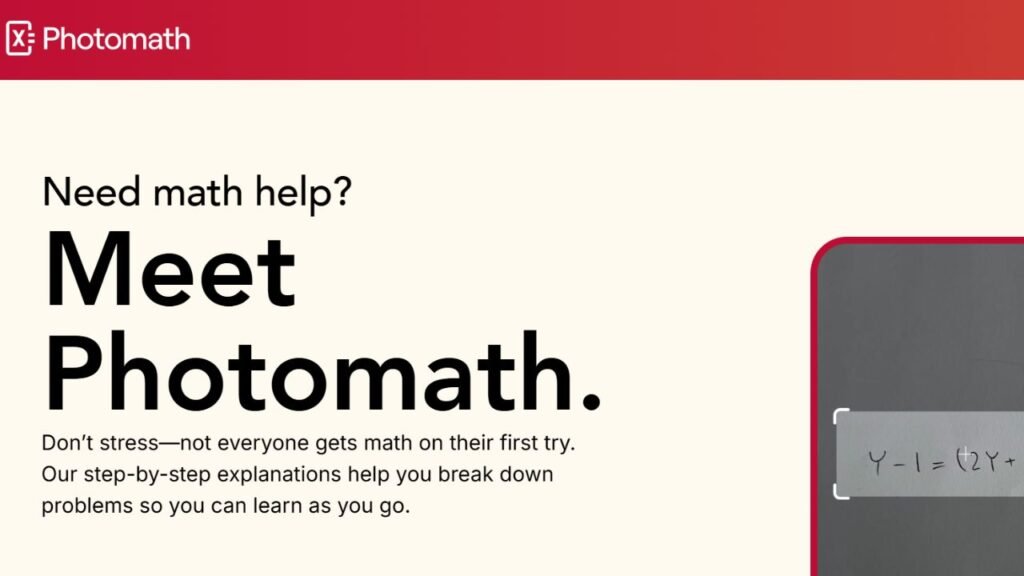
Photomath lets students scan mathematical problems using their smartphone camera. The app recognizes equations and explains how to solve them step by step rather than simply displaying the answer.
Why Is It Free?
The free version provides basic problem-solving functionality, while Premium offers more detailed explanations and additional learning resources.
Free Plan Limitations
- Some advanced explanations require Premium
- Limited advanced learning content
Pros
- Very easy to use
- Accurate equation recognition
- Helpful for homework
- Excellent for visual learners
Cons
- Focused only on mathematics
- Students should still learn the solution process
Real Student Use Cases
Students use Photomath to:
- Check homework answers
- Understand algebra problems
- Prepare for math exams
- Practice equations independently
Paid Alternative
Photomath Premium provides expanded explanations and more advanced educational content.
Wolfram Alpha
Best For
- College mathematics
- Physics
- Chemistry
- Engineering
- Statistics
What Wolfram Alpha Does
Wolfram Alpha is one of the most trusted computational knowledge engines for STEM students. It solves equations, generates graphs, performs calculations, and explains mathematical concepts across a wide range of subjects.
Why Is It Free?
The platform offers free access to its core computational engine, while advanced features and additional learning tools are available through paid subscriptions.
Free Plan Limitations
- Advanced step-by-step explanations may be restricted
- Some premium educational features require payment
Pros
- Extremely accurate
- Supports advanced mathematics
- Useful for science and engineering
- Trusted by students worldwide
Cons
- Interface may feel technical for beginners
- Not designed for essay writing or research
Real Student Use Cases
Students commonly use Wolfram Alpha to:
- Solve calculus problems
- Verify equations
- Study statistics
- Understand scientific formulas
- Complete engineering assignments
Paid Alternative
Wolfram Alpha Pro includes additional computational tools and more detailed explanations.
Which Free AI Tool Should You Choose?
| Need | Best Free AI Tool |
|---|---|
| Homework Help | ChatGPT Free |
| Essay Writing | ChatGPT Free + Grammarly Free |
| Academic Research | Perplexity AI Free |
| Studying Personal Notes | NotebookLM |
| Long PDFs | Claude Free |
| Google Workspace | Google Gemini Free |
| Microsoft Users | Microsoft Copilot Free |
| Mathematics | Wolfram Alpha |
| Quick Math Homework | Photomath |
| Presentations | Canva Free |
No single AI app is perfect for every situation. Combining two or three free tools usually provides much better results than relying on one platform alone.
Expert Tips for Using Free AI Tools
Students get the best results when they use AI as a learning assistant instead of an answer generator. Follow these best practices:
- Use ChatGPT Free to understand difficult concepts before attempting homework.
- Verify research information with Perplexity AI or reliable academic sources.
- Upload your own lecture notes into NotebookLM before exams.
- Use Grammarly as the final proofreading step before submitting assignments.
- Build presentations in Canva after completing your research.
- Compare answers from multiple AI tools when accuracy matters.
- Always rewrite AI-generated ideas in your own words.
- Check every citation before including it in academic work.
Common Mistakes Students Make
Even the best free AI tools have limitations. Avoid these common mistakes:
- Copying AI-generated assignments without editing.
- Trusting every AI response without verification.
- Using AI-generated citations without checking the original sources.
- Ignoring school or university AI policies.
- Relying on one AI tool for every subject.
- Uploading sensitive personal information.
- Skipping textbooks and lecture materials because AI seems faster.
- Assuming the paid version is always necessary.
Frequently Asked Questions
1. What is the best free AI tool for students?
ChatGPT Free is the best all-around option because it supports studying, homework, brainstorming, writing, and general learning.
2. Are free AI tools good enough for college students?
Yes. Many college students successfully use free versions of ChatGPT, Claude, Perplexity AI, NotebookLM, Grammarly, and Canva for everyday academic work.
3. Which free AI tool is best for homework?
ChatGPT Free is excellent for general homework, while Photomath and Wolfram Alpha are better choices for mathematics.
4. Which free AI tool is best for research?
Perplexity AI Free is one of the strongest choices because it provides source-backed responses that help students verify information.
5. Can I use AI for school assignments?
That depends on your school’s academic integrity policy. Many schools allow AI for brainstorming, proofreading, and studying, but not for submitting AI-generated work as your own.
6. Is NotebookLM completely free?
NotebookLM offers free access to its core features, making it a great option for studying from your own lecture notes and PDFs.
7. Is Grammarly Free enough for students?
For most assignments, yes. It handles grammar, spelling, punctuation, and basic clarity. Students who write frequently may benefit from Grammarly Premium.
8. Can free AI tools replace tutors?
No. AI can explain concepts and provide practice, but teachers and tutors offer personalized guidance, feedback, and accountability that AI cannot fully replace.
9. Which free AI app is best for presentations?
Canva Free is one of the best options for creating attractive classroom presentations, posters, and infographics.
10. Should I pay for an AI subscription?
Most students can complete their coursework using free AI tools. Consider upgrading only if you consistently reach usage limits or need advanced features for research, writing, or productivity.
Conclusion
The Best Free AI Tools for Students prove that you don’t need an expensive subscription to improve your academic performance. Free versions of ChatGPT, Google Gemini, Claude, Microsoft Copilot, Perplexity AI, NotebookLM, Grammarly, Canva, Photomath, and Wolfram Alpha provide powerful support for studying, homework, writing, research, presentations, and exam preparation.
Instead of depending on a single platform, build a toolkit based on your needs. Use ChatGPT for explanations, Perplexity AI for research, NotebookLM for reviewing your own notes, Grammarly for editing, Canva for presentations, and Wolfram Alpha or Photomath for mathematics. By combining these free AI tools with critical thinking and reliable academic sources, you can study more efficiently while keeping your education affordable.