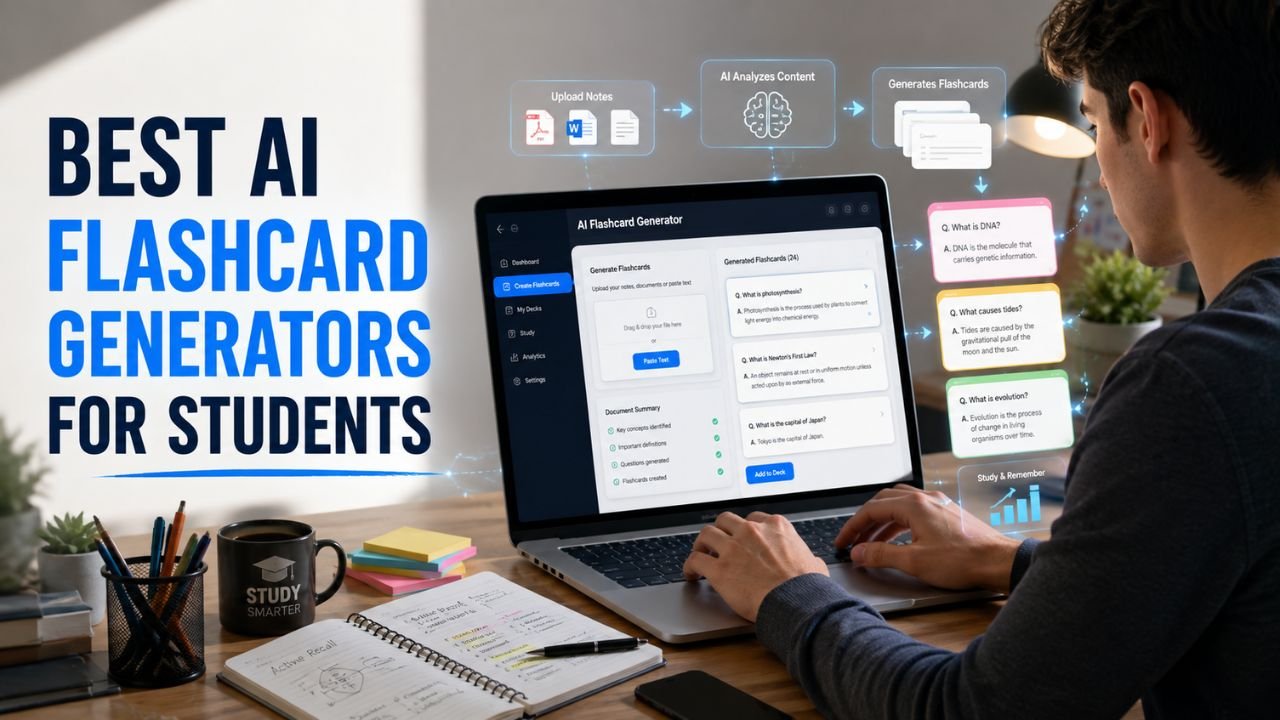
Sophia had less than a week before her college biology final. Her notebook was packed with handwritten notes, lecture slides filled her laptop, and dozens of PDFs sat untouched in a folder. She knew rereading everything wasn’t realistic, but creating hundreds of flashcards by hand felt just as overwhelming.
Instead, she uploaded her lecture notes into an AI flashcard generator. In just a few minutes, the software identified the most important concepts, created organized question-and-answer cards, and built a personalized revision schedule. That’s why the Best AI Flashcard Generators for Students have become essential study companions—they eliminate hours of manual work while helping students remember information more effectively.
Whether you’re preparing for a high school exam, a university midterm, medical school, or a professional certification, the right AI flashcard generator can transform scattered notes into a structured revision system that saves time and improves long-term retention.
Why Traditional Flashcards Don’t Always Work
Flashcards have always been one of the most effective learning methods because they encourage active recall. The challenge isn’t the technique itself—it’s the amount of time required to create and maintain good flashcards.
Many students run into the same problems:
- Writing every flashcard manually.
- Copying entire textbook paragraphs onto one card.
- Spending more time making cards than reviewing them.
- Forgetting to study older cards.
- Revising easy topics repeatedly while ignoring weaker areas.
- Waiting until the final week before exams to begin creating revision material.
These habits reduce the effectiveness of flashcards and often lead to last-minute cramming.
AI changes that by removing the repetitive work while keeping the learning process active.
How AI Is Changing the Way Students Revise
Today’s AI flashcard generators do much more than convert text into questions.
Most platforms can analyze lecture notes, textbooks, PDFs, research papers, or class presentations and automatically identify:
- Definitions
- Important facts
- Key formulas
- Dates
- Vocabulary
- Frequently tested concepts
- Relationships between topics
Many also use proven learning techniques, including:
- Active recall
- Spaced repetition
- Adaptive review scheduling
- Progress tracking
- Knowledge-gap detection
- AI-generated quizzes
Instead of reviewing every card equally, AI focuses your attention on the material you’re most likely to forget.
That means shorter revision sessions with better long-term retention.
Why Spaced Repetition Matters
One of the biggest reasons students forget information isn’t a lack of effort—it’s poor timing.
Memory naturally fades unless information is reviewed at the right intervals.
AI flashcard generators automatically schedule review sessions before you’re likely to forget a concept, helping you remember information for weeks or months rather than days.
This approach is especially valuable for subjects like:
- Biology
- Medicine
- Chemistry
- Engineering
- History
- Law
- Foreign languages
Students preparing for cumulative exams often find spaced repetition far more effective than rereading notes the night before a test.
Which Flashcard Generator Matches Your Study Style?
Not every student studies the same way. The best flashcard app for a medical student isn’t always the best choice for a language learner or someone preparing for a history exam.
Study Style Comparison
| Student Type | Recommended Tool | Why It Fits |
|---|---|---|
| Medical Students | Anki | Industry-leading spaced repetition for long-term memorization. |
| Engineering Students | RemNote | Connects related concepts and technical notes. |
| High School Students | Quizlet | Simple interface with engaging study modes. |
| College Students | Knowt | Quickly converts lecture notes into flashcards. |
| Language Learners | Brainscape | Confidence-based review improves vocabulary retention. |
| Last-Minute Revision | Gizmo AI | Generates flashcards from notes within minutes. |
| Everyday Study | Quizlet | Balanced mix of AI assistance and ease of use. |
Choosing a flashcard generator based on your learning style usually produces better results than simply picking the platform with the longest feature list.
A Smarter Study Workflow Using AI
Many successful students no longer create flashcards manually. Instead, they follow a repeatable workflow that saves time throughout the semester.
Step 1 — Capture Your Notes
Attend lectures, read assigned chapters, and collect class materials.
Don’t worry about creating flashcards immediately.
Step 2 — Organize Everything
Bring together lecture notes, PDFs, presentation slides, and textbook summaries into one place before beginning revision.
Students usually create better flashcards when their study materials are already organized. If your notes are spread across notebooks, PDFs, and multiple apps, Best AI Note-Taking Apps for Students explains how AI can organize and summarize them before you start creating flashcards.
Step 3 — Let AI Generate Flashcards
Upload your materials into an AI flashcard generator.
The software automatically identifies:
- Core concepts
- Definitions
- Formulas
- Vocabulary
- Frequently tested facts
- Review questions
Instead of spending hours writing revision cards, students can begin studying almost immediately.
Step 4 — Review a Little Every Day
Rather than studying for four hours on the weekend, spend 15–20 minutes reviewing flashcards each day.
Short, consistent sessions improve long-term memory far more effectively than occasional marathon study sessions.
Step 5 — Prepare for Exams
As exam week approaches, focus on the flashcards you answer incorrectly most often.
Mix flashcards with quizzes, practice problems, and classroom exercises instead of relying on memorization alone.
Flashcards become even more effective when combined with practical assignment practice. If you’re looking for AI tools that reinforce what you’ve learned through exercises and problem-solving, take a look at Best AI Homework Tools for Students.
Best AI Flashcard Generators
Quizlet
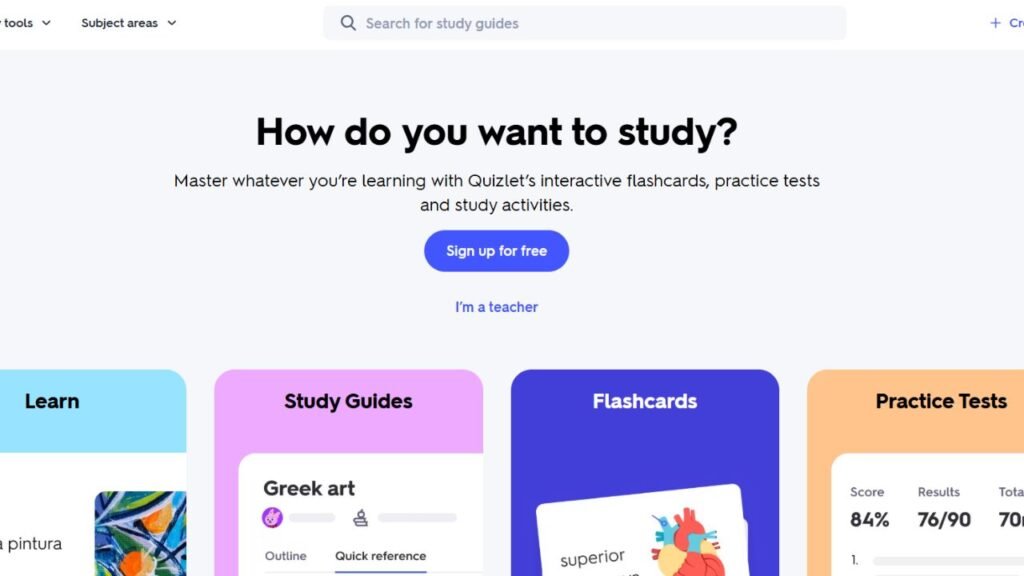
Quizlet remains one of the most popular flashcard platforms because it combines AI-powered study tools with an interface that almost anyone can learn in a few minutes.
Students can generate flashcards from notes, study pre-built decks created by other learners, practice with quizzes, and review material using several different learning modes.
Because Quizlet works well across desktop and mobile devices, it’s equally useful for quick classroom revision and longer evening study sessions.
Best For
- High school students
- College students
- Daily revision
- Vocabulary learning
- Science courses
Key Features
- AI flashcard generation
- Practice tests
- Learn mode
- Matching games
- Progress tracking
- Shared study sets
- Mobile applications
Pricing
Free plan available with optional premium upgrades.
Advantages
- Extremely beginner friendly
- Large public flashcard library
- Excellent mobile experience
- Multiple study modes
- Easy collaboration
Limitations
- Advanced AI features require a paid plan.
- Public flashcard sets should always be checked for accuracy.
Real Student Use Cases
Students commonly use Quizlet to:
- Learn scientific terminology
- Memorize historical dates
- Review vocabulary
- Prepare for weekly quizzes
- Revise before final exams
Anki
Among students preparing for demanding courses, Anki has earned a reputation as one of the most effective memory tools available.
Its spaced repetition algorithm schedules every review session according to your performance, making it especially valuable for subjects that require long-term memorization rather than short-term cramming.
Medical students, law students, engineering students, and language learners continue to rely on Anki because of its flexibility and powerful review system.
Best For
- Medical school
- Law school
- Engineering
- Language learning
- Professional certifications
Key Features
- Advanced spaced repetition
- Custom flashcard decks
- Multimedia support
- Community add-ons
- Cross-device synchronization
Pricing
Free on several platforms, with paid mobile versions depending on the device.
Advantages
- Outstanding memory retention
- Highly customizable
- Huge learning community
- Excellent long-term review scheduling
Limitations
- Less beginner friendly than Quizlet.
- Interface feels dated compared with newer AI apps.
- Initial setup takes time.
Knowt
Knowt has become one of the fastest-growing AI study platforms because it can convert lecture notes, PDFs, PowerPoint presentations, and class handouts into flashcards almost instantly. Instead of spending hours typing questions manually, students simply upload their study material and let AI organize it into structured revision decks.
It is especially useful during busy weeks when assignments, lectures, and exam preparation overlap.
Best For
- College students
- Lecture notes
- Fast revision
- Midterm preparation
- PDF study materials
Key Features
- AI flashcard generation
- PDF and note conversion
- Practice quizzes
- AI study guides
- Class note import
- Progress tracking
Pricing
Free plan available with optional premium upgrades.
Advantages
- Extremely fast flashcard creation
- Clean, beginner-friendly interface
- Excellent PDF support
- Saves hours of preparation
Limitations
- AI-generated cards should always be reviewed.
- Premium plans unlock additional features.
Real Student Use Cases
Students use Knowt to:
- Convert lecture notes into flashcards
- Prepare for weekly quizzes
- Review textbook chapters
- Build revision decks from PowerPoint slides
- Study multiple classes efficiently
Brainscape
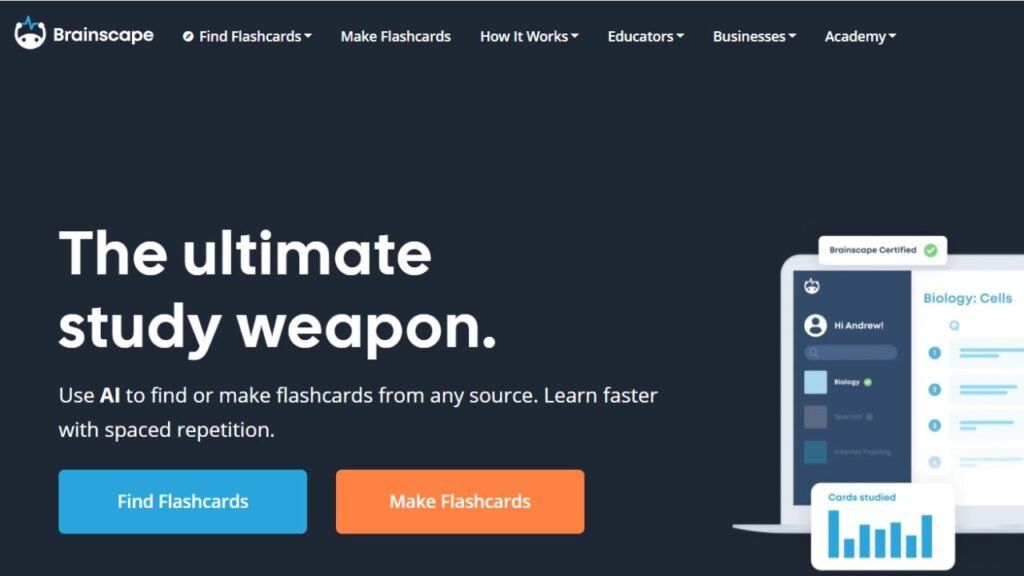
Brainscape takes a different approach from traditional flashcard apps. Instead of treating every flashcard equally, it asks students how confident they feel about each answer and automatically schedules future reviews based on that confidence level.
This personalized learning system reduces unnecessary repetition while spending more time on weaker topics.
Best For
- Language learning
- Medical terminology
- Professional certifications
- Long-term memorization
Key Features
- Confidence-based repetition
- AI-assisted flashcards
- Shared study decks
- Mobile learning
- Study analytics
Pricing
Free version available with premium plans.
Advantages
- Personalized revision
- Excellent mobile app
- Efficient review scheduling
- Easy to learn
Limitations
- Smaller public library than Quizlet.
- Advanced features require a subscription.
Real Student Use Cases
Students use Brainscape to:
- Memorize vocabulary
- Learn scientific definitions
- Prepare certification exams
- Study biology
- Review history
Gizmo AI
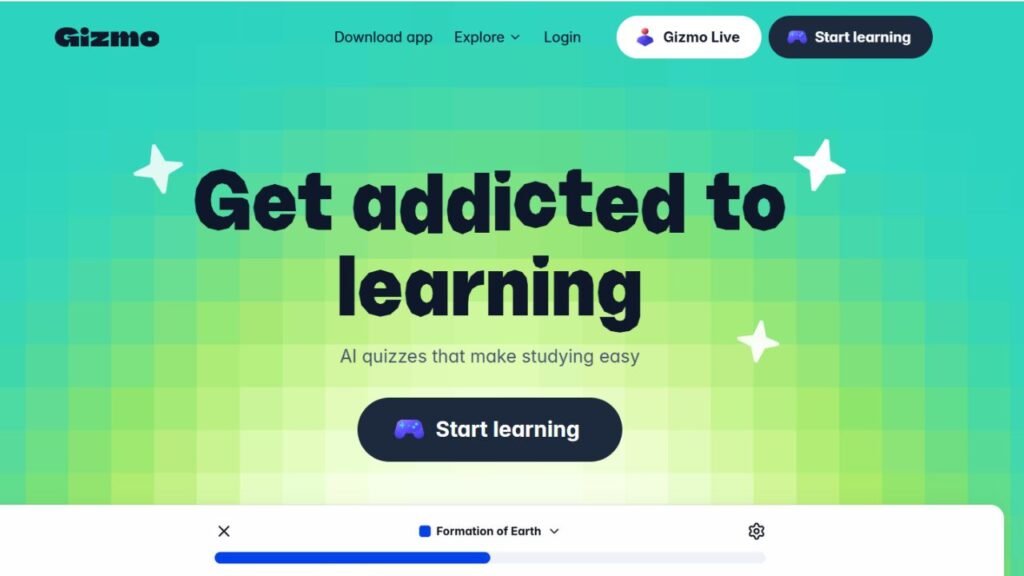
Gizmo AI focuses on helping students create study material with as little effort as possible. Upload class notes, textbooks, or study guides, and the platform automatically generates organized flashcards ready for review.
Because of its speed, Gizmo AI is especially popular during exam season.
Best For
- Last-minute revision
- Busy students
- Daily study
- Quick exam preparation
Key Features
- Automatic flashcard creation
- AI quizzes
- Smart review scheduling
- Progress tracking
- Study reminders
Pricing
Free version available with optional premium plans.
Advantages
- Extremely fast
- Simple interface
- Great productivity features
- Excellent for quick revision
Limitations
- Smaller ecosystem than Quizlet.
- Some advanced AI features require upgrading.
Real Student Use Cases
Students use Gizmo AI to:
- Prepare for weekly quizzes
- Generate revision cards
- Review class notes
- Build study decks before exams
RemNote
RemNote combines note-taking and flashcards into one learning system. Instead of separating your notes from your revision, every important concept can become a flashcard while remaining connected to your broader study material.
This approach is particularly valuable for university courses where understanding relationships between topics matters as much as memorization.
Best For
- Engineering students
- Medical students
- Research-heavy courses
- University revision
Key Features
- AI flashcard generation
- Linked notes
- Spaced repetition
- Knowledge graphs
- PDF support
- Daily review scheduling
Pricing
Free version available with premium plans.
Advantages
- Notes and flashcards in one place
- Powerful organization
- Excellent for technical subjects
- Long-term learning
Limitations
- More advanced interface
- Learning curve for beginners
Real Student Use Cases
Students use RemNote to:
- Turn lecture notes into flashcards
- Organize semester-long courses
- Review technical subjects
- Build connected knowledge
ChatGPT
While ChatGPT isn’t a dedicated flashcard platform, it has become one of the easiest ways to create personalized study cards. Students can paste lecture notes, textbook chapters, or class summaries and ask it to generate flashcards tailored to their learning level.
Best For
- Custom flashcards
- Study planning
- Concept explanations
- Personalized revision
Key Features
- Flashcard generation
- Quiz creation
- Concept simplification
- Study plans
- Revision summaries
Pricing
Free version available with premium plans.
Advantages
- Extremely flexible
- Supports almost every subject
- Easy customization
- Excellent explanations
Limitations
- No built-in spaced repetition.
- Students should verify factual information.
Google Gemini
Google Gemini helps students summarize information and create study questions before importing them into flashcard apps. Students already using Google Workspace often find Gemini integrates naturally into their revision process.
Best For
- Lecture summaries
- Study planning
- Google Workspace users
- Flashcard preparation
Key Features
- AI summaries
- Study planning
- Question generation
- Google integration
Pricing
Free version available with premium upgrades.
Advantages
- Excellent Google integration
- Simple interface
- Helpful organization tools
Limitations
- Requires a separate flashcard app for long-term review.
NotebookLM
NotebookLM helps students generate revision questions directly from their own documents instead of searching the web. Upload lecture notes, research papers, or textbooks, and it creates study material based only on your uploaded content.
Students working with journal articles often find it much easier to build accurate flashcards after organizing their research first. If your revision relies heavily on academic sources, our guide to Best AI Research Tools for Students explains which AI platforms work best before creating flashcards.
Best Free Option
| Tool | Why It’s Worth Trying |
|---|---|
| Quizlet | Easy to use with an excellent free plan |
| Knowt | Converts notes into flashcards quickly |
| NotebookLM | Free AI study companion using your own documents |
| ChatGPT | Generates unlimited custom flashcards |
| Anki | Outstanding spaced repetition without ongoing subscription costs on many platforms |
Fastest Option
| Tool | Speed |
|---|---|
| Knowt | ⭐⭐⭐⭐⭐ |
| Gizmo AI | ⭐⭐⭐⭐⭐ |
| ChatGPT | ⭐⭐⭐⭐☆ |
| Quizlet | ⭐⭐⭐⭐☆ |
| Google Gemini | ⭐⭐⭐⭐☆ |
Best for Memorization
| Goal | Recommended Tool |
|---|---|
| Medical School | Anki |
| Engineering | RemNote |
| Languages | Brainscape |
| Daily Revision | Quizlet |
| Research-Based Courses | NotebookLM |
Feature Comparison
| Tool | AI Flashcards | Spaced Repetition | PDF Import | Mobile App | Free Plan |
|---|---|---|---|---|---|
| Quizlet | ✅ | ✅ | Limited | ✅ | ✅ |
| Anki | Limited | ✅ | Limited | ✅ | ✅ |
| Brainscape | ✅ | ✅ | Limited | ✅ | ✅ |
| Knowt | ✅ | Limited | ✅ | ✅ | ✅ |
| Gizmo AI | ✅ | ✅ | ✅ | ✅ | ✅ |
| RemNote | ✅ | ✅ | ✅ | ✅ | ✅ |
| ChatGPT | ✅ | ❌ | Manual | ✅ | ✅ |
| Google Gemini | ✅ | ❌ | Manual | ✅ | ✅ |
| NotebookLM | Question Generation | ❌ | ✅ | ✅ | ✅ |
Pricing Table
| Tool | Free Plan | Premium Available |
|---|---|---|
| Quizlet | ✅ | Yes |
| Anki | ✅ | Optional |
| Brainscape | ✅ | Yes |
| Knowt | ✅ | Yes |
| Gizmo AI | ✅ | Yes |
| RemNote | ✅ | Yes |
| ChatGPT | ✅ | Yes |
| Google Gemini | ✅ | Yes |
| NotebookLM | ✅ | No for core features |
Pros & Cons Table
| Tool | Biggest Strength | Biggest Limitation |
|---|---|---|
| Quizlet | Beginner friendly | Some AI tools require premium |
| Anki | Best spaced repetition | Dated interface |
| Brainscape | Personalized review | Smaller content library |
| Knowt | Fast note conversion | Review AI-generated cards |
| Gizmo AI | Excellent speed | Smaller ecosystem |
| RemNote | Powerful knowledge organization | Learning curve |
| ChatGPT | Flexible flashcard creation | No review scheduling |
| Google Gemini | Great summaries | Needs another flashcard app |
| NotebookLM | Uses your own documents | No spaced repetition |
Common Mistakes Students Make
Avoid these habits if you want better exam results:
- Creating hundreds of cards in one session.
- Writing paragraphs instead of concise questions.
- Ignoring spaced repetition reminders.
- Memorizing definitions without understanding concepts.
- Reviewing only easy cards.
- Waiting until exam week to start revision.
- Trusting AI-generated flashcards without checking accuracy.
Expert Revision Tips
The most successful students don’t rely on flashcards alone.
A stronger revision routine looks like this:
- Create flashcards throughout the semester.
- Review them for 15–20 minutes every day.
- Mix subjects during each study session.
- Add diagrams and images to difficult topics.
- Test yourself before revealing the answer.
- Update flashcards after each lecture.
If you’re building a complete AI-powered study system instead of using one app in isolation, our Best AI Tools for Students guide shows how flashcards fit alongside research, note-taking, writing, and productivity tools.
Final Recommendations
No single AI flashcard generator is the perfect choice for every student.
Quizlet remains an excellent all-around option for students who want an easy-to-use platform with multiple study modes. Anki continues to be one of the strongest choices for long-term memorization, making it especially popular with medical, law, and language students. Knowt and Gizmo AI stand out when speed matters, while RemNote is ideal for technical subjects that require understanding relationships between concepts rather than memorizing isolated facts.
Students working through STEM courses can strengthen their revision even further by pairing flashcards with dedicated problem-solving software. Our guide to Best AI Math Tools for Students covers AI platforms that are particularly useful for formulas, equations, and calculations.
The most effective revision strategy combines AI with consistency. Generate high-quality flashcards early, review them using spaced repetition, test yourself regularly, and use AI as a learning partner—not a shortcut. Done well, that approach improves both exam performance and long-term understanding.