
Creating a presentation used to mean spending hours researching information, designing slides, choosing layouts, and adjusting fonts. Today, AI presentation makers can complete much of that work in minutes while still allowing students to personalize the final result.
Whether you’re preparing a classroom presentation, a college seminar, a research project, or a group assignment, the right AI presentation tool can help you organize ideas, generate professional-looking slides, and communicate your message more effectively.
Not every AI presentation maker works the same way. Some focus on automatic slide generation, while others excel at visual design, collaboration, or integration with Microsoft PowerPoint and Google Slides.
This guide reviews the Best AI Presentation Makers for Students, comparing their features, strengths, limitations, pricing, and real-world student use cases so you can choose the right platform for your next presentation.
To organize lecture notes before building slides, check out Best AI Note-Taking Apps for Students.
If your presentation requires credible academic sources, our guide to Best AI Research Tools for Students can help.
For project preparation and assignments, don’t miss Best AI Homework Tools for Students.
Students presenting STEM topics may also find Best AI Math Tools for Students useful for explaining formulas and graphs.
Why Students Use AI for Presentations
AI presentation makers save time by generating slide structures, improving designs, suggesting visuals, and organizing information automatically. Students can focus more on understanding their topic instead of spending hours formatting slides.
Students commonly use AI presentation tools to:
- Create classroom presentations
- Build college seminar slides
- Design research presentations
- Prepare business case studies
- Develop group project slides
- Summarize reports
- Turn essays into presentations
- Improve slide design
- Generate speaker notes
- Practice presentations
Instead of starting from a blank page, AI provides a strong first draft that students can customize before presenting.
Quick Comparison Table
| Tool | Best For | Free Plan | Overall Rating |
|---|---|---|---|
| Gamma | AI-generated presentations | ✅ | ⭐⭐⭐⭐⭐ |
| Canva | Visual design | ✅ | ⭐⭐⭐⭐⭐ |
| Beautiful.ai | Professional layouts | Limited | ⭐⭐⭐⭐☆ |
| Tome | Storytelling presentations | ✅ | ⭐⭐⭐⭐☆ |
| Microsoft Copilot | PowerPoint users | Limited | ⭐⭐⭐⭐⭐ |
| Google Slides AI | Google Workspace | ✅ | ⭐⭐⭐⭐☆ |
| Pitch | Team collaboration | ✅ | ⭐⭐⭐⭐☆ |
| Prezi AI | Interactive presentations | Limited | ⭐⭐⭐⭐☆ |
| ChatGPT | Presentation outlines | ✅ | ⭐⭐⭐⭐☆ |
| Google Gemini | Research & planning | ✅ | ⭐⭐⭐⭐☆ |
How We Selected These AI Presentation Makers
Every recommendation in this guide is based on features that genuinely help students create better presentations—not simply produce more slides.
We evaluated each platform using the following criteria.
| Evaluation Criteria | Why It Matters |
|---|---|
| AI Slide Generation | Reduces preparation time. |
| Design Quality | Makes presentations look professional. |
| Ease of Use | Students should learn quickly. |
| Collaboration | Important for group projects. |
| Template Library | Speeds up slide creation. |
| Free Features | Useful without paying. |
| Export Options | Compatibility with PowerPoint and PDF. |
| Student Productivity | Helps finish presentations faster. |
Best AI Presentation Makers for Students
Gamma
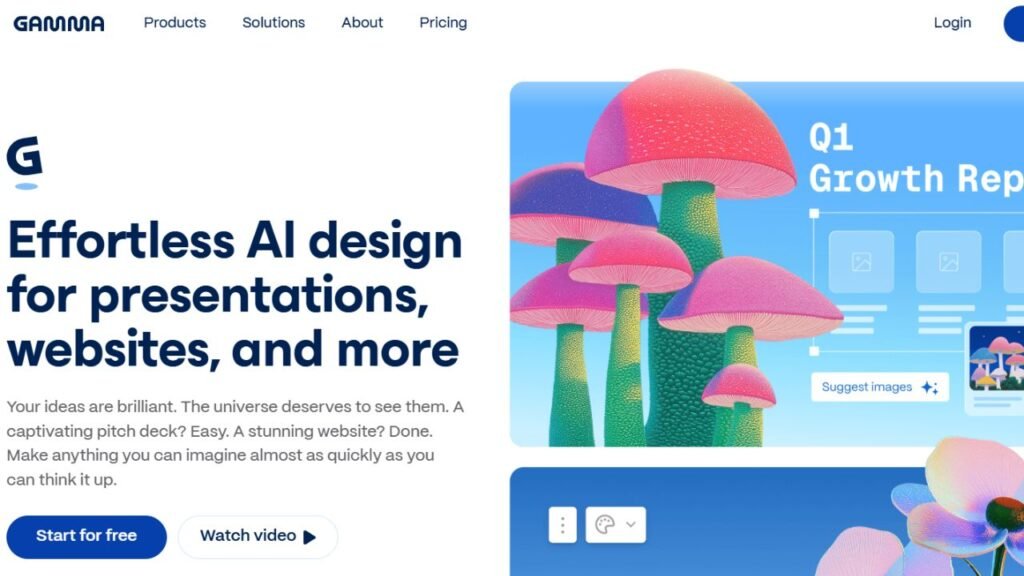
Gamma has quickly become one of the most popular AI presentation makers because it can transform a simple prompt into an attractive presentation within minutes. Instead of designing each slide manually, students describe their topic, and Gamma automatically creates a structured presentation with layouts, images, and visual hierarchy.
Its clean interface makes it especially appealing to students who have little design experience but still want professional-looking presentations.
Key Features
- AI slide generation
- Automatic layouts
- Smart formatting
- Built-in templates
- Interactive presentations
- Image suggestions
- Presentation sharing
Best For
- Classroom presentations
- College seminars
- Research presentations
- Project summaries
- Students with limited design experience
Pricing
Free plan available with optional premium subscription.
Free Plan
Students can create presentations using the free version, although advanced features and higher usage limits require a paid plan.
Advantages
- Extremely fast slide creation
- Professional modern layouts
- Beginner-friendly interface
- Excellent AI writing assistance
- Saves significant design time
Limitations
- Some advanced customization requires upgrading.
- Free usage has limits.
- Final presentations still benefit from manual editing.
Real Student Use Cases
Students use Gamma to:
- Build research presentations
- Create project slides
- Prepare seminar presentations
- Summarize reports
- Design classroom assignments
When Should You Choose It?
Choose Gamma if your priority is generating complete presentations quickly without spending hours on formatting.
If you’re still choosing the right AI platform overall, explore our Best AI Tools for Students guide.
Canva
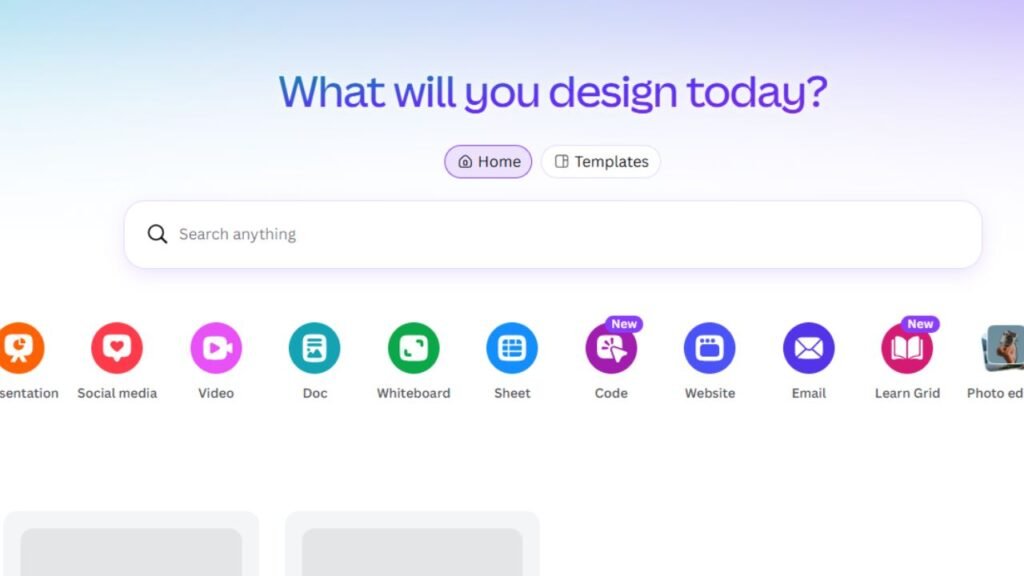
Canva combines AI-powered design with one of the largest template libraries available. Its Magic Design tools help students generate attractive presentations while still providing complete creative control over colors, graphics, animations, and layouts.
Because Canva works directly in the browser, students can easily collaborate with classmates on shared projects.
Key Features
- Magic Design
- AI presentation generation
- Drag-and-drop editor
- Thousands of templates
- Icons and illustrations
- Team collaboration
- Animation tools
Best For
- Creative presentations
- Group assignments
- School projects
- Classroom presentations
- Marketing presentations
Pricing
Free version available with optional Canva Pro subscription.
Free Plan
The free version includes many templates and AI-powered design features suitable for student presentations.
Advantages
- Huge template library
- Excellent visual quality
- Easy collaboration
- Beginner friendly
- Large collection of graphics
Limitations
- Premium templates require Canva Pro.
- Some AI features have usage limits.
- Large presentations may require additional editing.
Real Student Use Cases
Students commonly use Canva to:
- Design presentation slides
- Create infographics
- Build project reports
- Produce classroom visuals
- Prepare business presentations
When Should You Choose It?
Choose Canva if visual design matters just as much as the presentation content.
Looking for free alternatives? Check out our Best Free AI Tools for Students roundup.
Beautiful.ai
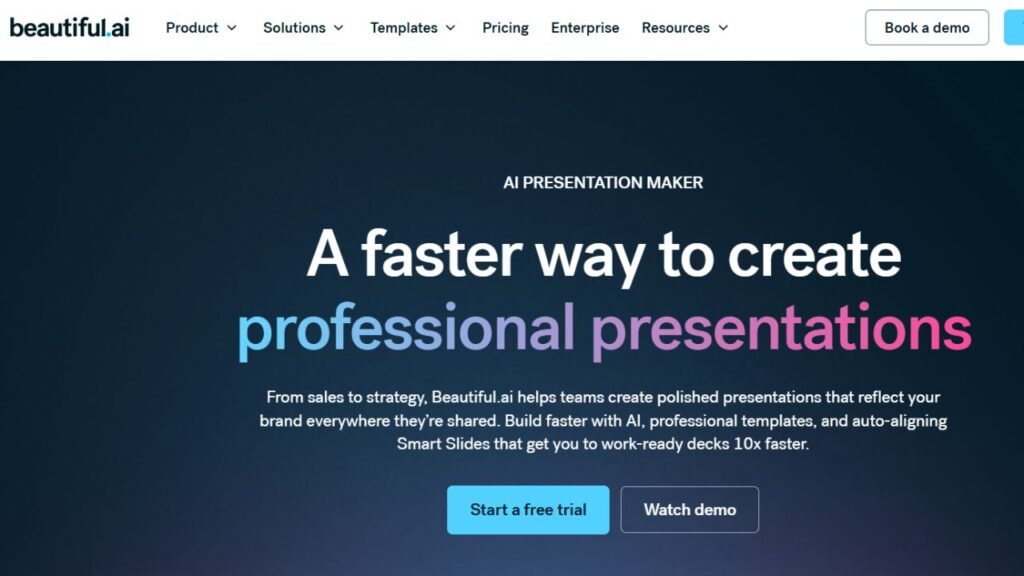
Beautiful.ai focuses on making every slide look professionally designed. Instead of allowing layouts to become cluttered, the platform automatically adjusts spacing, alignment, and formatting whenever new content is added.
Students who struggle with slide design often appreciate how Beautiful.ai keeps presentations polished with minimal effort.
Key Features
- Smart slide layouts
- Automatic formatting
- Professional templates
- AI design assistant
- Presentation themes
- Team collaboration
Best For
- Professional presentations
- Business classes
- Marketing assignments
- Graduate presentations
Pricing
Free trial with premium subscription options.
Free Plan
Students can explore the platform before upgrading, though long-term use typically requires a paid plan.
Advantages
- Beautiful slide layouts
- Consistent design
- Saves formatting time
- Professional appearance
Limitations
- Limited free access.
- Fewer creative options than Canva.
- Better suited to formal presentations.
Real Student Use Cases
Students use Beautiful.ai to:
- Create business presentations
- Build professional reports
- Present research findings
- Deliver seminar presentations
When Should You Choose It?
Choose Beautiful.ai when you want polished presentations without spending time adjusting layouts manually.
Tome
Tome approaches presentations differently by focusing on storytelling rather than traditional slides. Students can generate visually engaging presentations that combine text, images, multimedia, and AI-generated content into a narrative format.
This makes Tome particularly useful for project presentations and creative assignments.
Key Features
- AI storytelling
- Automatic presentation generation
- Multimedia support
- Interactive pages
- Modern layouts
- AI writing assistance
Best For
- Storytelling
- Creative presentations
- Portfolio presentations
- Project showcases
Pricing
Free version available with premium upgrades.
Free Plan
Students can create presentations using the free plan with some usage limitations.
Advantages
- Excellent storytelling
- Modern presentation style
- Fast content generation
- Attractive layouts
Limitations
- Less traditional than PowerPoint.
- Some schools may prefer conventional slide formats.
- Advanced features require payment.
Real Student Use Cases
Students use Tome to:
- Present creative projects
- Showcase portfolios
- Explain research journeys
- Deliver visual stories
When Should You Choose It?
Choose Tome if you want presentations that feel more engaging than standard slide decks.
Microsoft Copilot
Microsoft Copilot integrates directly with PowerPoint, allowing students to generate presentations from simple prompts, existing documents, or Word files. It automatically creates slide outlines, speaker notes, and suggested visuals while maintaining compatibility with Microsoft 365.
Students already using PowerPoint will find Copilot one of the easiest AI tools to adopt.
Key Features
- AI PowerPoint generation
- Presentation summaries
- Speaker notes
- Microsoft 365 integration
- Smart design suggestions
- Content rewriting
Best For
- PowerPoint users
- University presentations
- Business assignments
- Academic seminars
Pricing
Available with Microsoft 365 plans that include Copilot features.
Free Plan
Some AI capabilities are limited without an eligible Microsoft subscription.
Advantages
- Excellent PowerPoint integration
- Familiar interface
- Strong productivity features
- Saves significant preparation time
Limitations
- Full functionality depends on Microsoft subscriptions.
- Best experience is within the Microsoft ecosystem.
- Some advanced AI features require eligible plans.
Real Student Use Cases
Students use Microsoft Copilot to:
- Turn reports into presentations
- Create lecture slides
- Draft speaker notes
- Organize project presentations
- Improve PowerPoint layouts
When Should You Choose It?
Choose Microsoft Copilot if you already create most of your presentations in Microsoft PowerPoint.
Google Slides AI
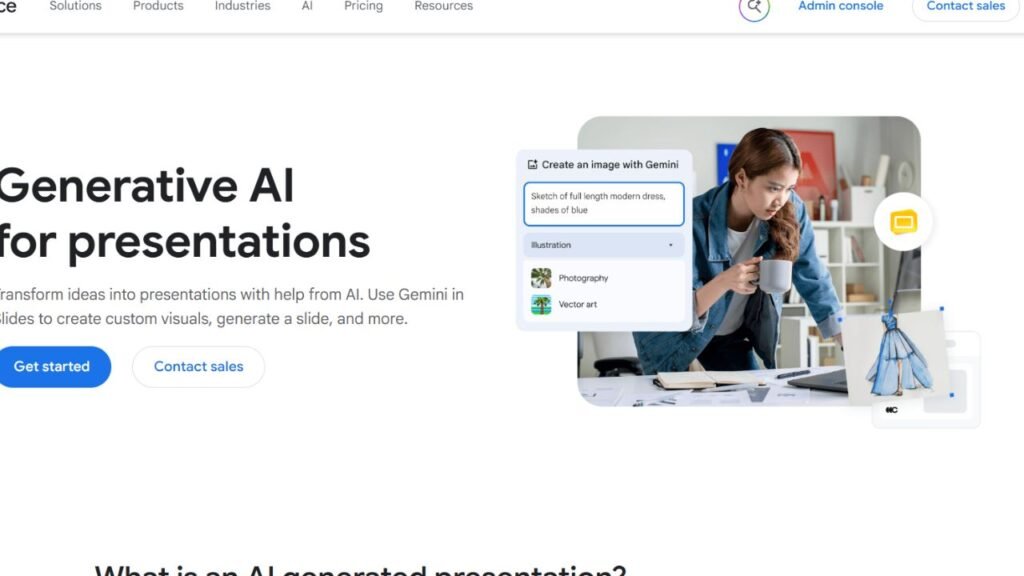
Google Slides AI combines artificial intelligence with the familiar Google Workspace ecosystem, making it one of the easiest presentation tools for students already using Google Docs, Drive, and Classroom. It helps generate slide content, improve layouts, and organize information while allowing real-time collaboration with classmates.
Because presentations are saved automatically in Google Drive, it’s particularly useful for group assignments where multiple students need to work on the same project.
Key Features
- AI-powered slide creation
- Google Workspace integration
- Smart layout suggestions
- Real-time collaboration
- Cloud storage
- Presentation templates
Best For
- Group projects
- Classroom presentations
- Google Workspace users
- School assignments
- Collaborative learning
Pricing
Free version available with optional Google Workspace premium features.
Free Plan
Students can create and edit presentations without paying.
Advantages
- Excellent collaboration
- Familiar interface
- Easy sharing
- Automatic cloud saving
- Beginner friendly
Limitations
- AI capabilities are more limited than dedicated presentation platforms.
- Advanced design customization isn’t as extensive as Canva.
Real Student Use Cases
Students use Google Slides AI to:
- Build group presentations
- Create classroom projects
- Share presentation drafts
- Collaborate with classmates
- Deliver online presentations
When Should You Choose It?
Choose Google Slides AI if your school primarily uses Google Workspace and collaboration is your priority.
Pitch
Pitch is a modern presentation platform built with collaboration in mind. It combines attractive templates, AI-powered content generation, and real-time teamwork, making it an excellent choice for university students working on business projects or team assignments.
Unlike traditional slide software, Pitch focuses on creating presentations that multiple people can edit simultaneously without slowing down the workflow.
Key Features
- AI presentation generation
- Team collaboration
- Modern templates
- Smart editing
- Presentation analytics
- Cloud sharing
Best For
- Group assignments
- Startup presentations
- Business classes
- Team projects
Pricing
Free version available with premium plans.
Free Plan
Students can collaborate and create presentations using the free plan.
Advantages
- Excellent collaboration
- Clean interface
- Attractive templates
- Fast editing
- Great team workflow
Limitations
- Smaller template library than Canva.
- Some premium collaboration features require upgrading.
Real Student Use Cases
Students use Pitch to:
- Complete business presentations
- Collaborate on marketing projects
- Build startup pitches
- Present team assignments
When Should You Choose It?
Choose Pitch if multiple students need to create and edit one presentation together.
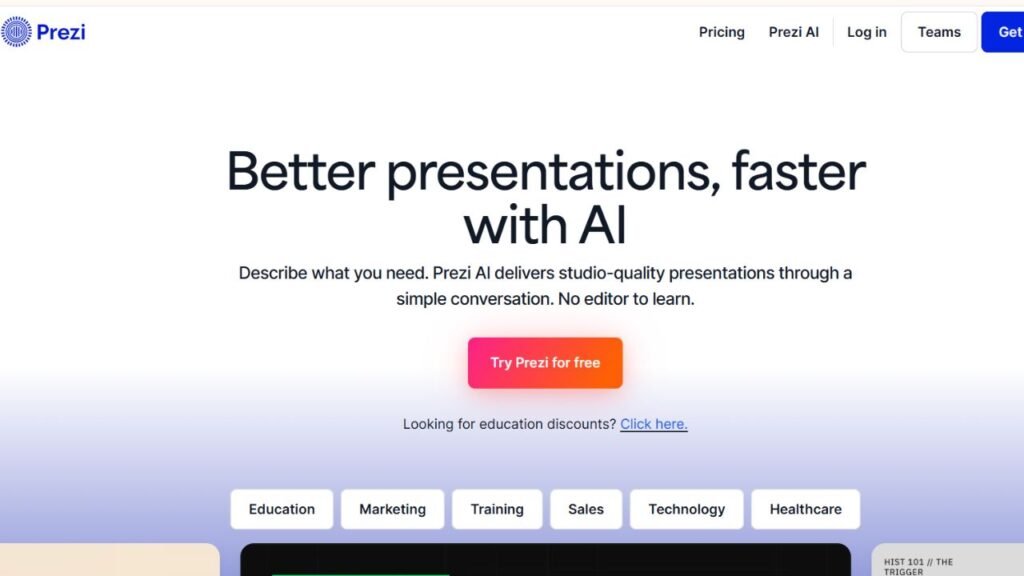
Prezi AI
Prezi AI takes a different approach by replacing traditional slide-by-slide presentations with dynamic zooming presentations that create a more interactive experience. Instead of moving from one static slide to another, presenters navigate visually through connected ideas.
This approach helps students deliver memorable presentations while keeping their audience engaged.
Key Features
- AI presentation creation
- Zooming presentation style
- Interactive navigation
- Professional templates
- Storytelling support
- Multimedia integration
Best For
- Public speaking
- Creative presentations
- Interactive classroom projects
- Storytelling
Pricing
Free version available with premium subscription options.
Free Plan
Students can create presentations using the free plan with some sharing limitations.
Advantages
- Highly engaging presentations
- Interactive navigation
- Modern visual experience
- Excellent storytelling
Limitations
- Learning curve for beginners.
- Some instructors may prefer traditional slides.
- Premium plans unlock additional features.
Real Student Use Cases
Students use Prezi AI to:
- Deliver interactive presentations
- Explain complex concepts
- Present creative assignments
- Showcase visual projects
When Should You Choose It?
Choose Prezi AI if audience engagement is more important than following a traditional PowerPoint format.
If you need help writing speaker notes, see our Best AI Writing Tools for Students guide.
ChatGPT
Although ChatGPT isn’t a dedicated presentation maker, it plays an important role in creating high-quality presentations. Students frequently use it to research topics, generate outlines, write speaker notes, simplify complex concepts, and draft slide content before importing everything into another presentation platform.
Key Features
- Presentation outlines
- Speaker notes
- Content generation
- Topic summaries
- Brainstorming
- Script writing
Best For
- Presentation planning
- Research
- Speaker notes
- Content writing
- Outline creation
Pricing
Free version available with premium plans.
Free Plan
The free version is sufficient for most students preparing presentations.
Advantages
- Excellent writing assistance
- Saves research time
- Helps organize ideas
- Easy to use
Limitations
- Doesn’t generate finished presentation designs.
- Information should always be verified before presenting.
Real Student Use Cases
Students use ChatGPT to:
- Create presentation outlines
- Write speaking scripts
- Summarize research
- Generate discussion points
- Explain difficult topics
When Should You Choose It?
Choose ChatGPT when you need help developing presentation content before designing slides.
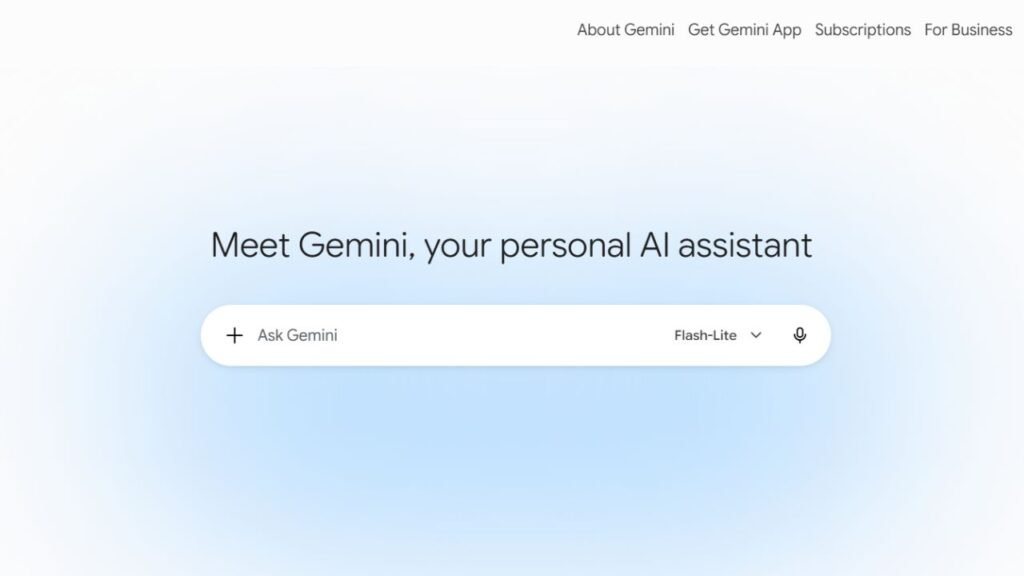
Google Gemini
Google Gemini complements presentation software by helping students research topics, organize ideas, summarize information, and generate presentation content that can later be imported into Google Slides or other presentation platforms.
Students who already rely on Google’s ecosystem often find Gemini a natural addition to their workflow.
Key Features
- Research assistance
- Presentation planning
- Topic summaries
- Brainstorming
- Google Workspace integration
Best For
- Research
- Presentation planning
- Classroom assignments
- Google users
Pricing
Free version available with premium options.
Free Plan
Students can access core AI assistance without paying.
Advantages
- Excellent Google integration
- Helpful research support
- Easy interface
- Strong productivity features
Limitations
- Doesn’t replace dedicated presentation software.
- Slide design capabilities remain limited.
Real Student Use Cases
Students use Gemini to:
- Research presentation topics
- Build slide outlines
- Summarize articles
- Prepare speaking notes
- Organize presentations
When Should You Choose It?
Choose Google Gemini if you want an AI assistant for planning presentations before moving into Google Slides.
Which Tool Is Best For…
| Student Need | Recommended Tool |
|---|---|
| High School Students | Canva |
| College Students | Gamma |
| University Students | Microsoft Copilot |
| Group Projects | Google Slides AI |
| Business Presentations | Beautiful.ai |
| Creative Presentations | Tome |
| Interactive Presentations | Prezi AI |
| Fast AI Slide Generation | Gamma |
| Free Users | Canva |
| Presentation Planning | ChatGPT |
AI Presentation Workflow
Following a structured workflow helps students create presentations that are both informative and visually engaging.
| Step | Recommended AI Tool |
|---|---|
| Research Topic | Google Gemini, ChatGPT |
| Collect Academic Sources | Best AI Research Tools for Students |
| Organize Notes | Best AI Note-Taking Apps for Students |
| Write Outline | Best AI Writing Tools for Students |
| Generate Slides | Gamma, Canva, Beautiful.ai |
| Improve Design | Canva, Beautiful.ai |
| Practice Presentation | ChatGPT, Google Gemini |
Following this workflow helps students spend less time formatting slides and more time understanding their subject.
Common Mistakes Students Make When Using AI
Avoid these common presentation mistakes:
- Copying AI-generated slides without reviewing them.
- Adding too much text to each slide.
- Using AI-generated images that don’t match the topic.
- Ignoring presentation flow.
- Forgetting to verify facts and statistics.
- Choosing style over clarity.
- Reading directly from the slides during presentations.
- Using inconsistent fonts and colors.
- Skipping practice before presenting.
- Depending entirely on AI instead of personal knowledge.
Comparison Matrix
| Tool | Ease of Use | AI Quality | Templates | Collaboration | Free Version | Overall Score |
|---|---|---|---|---|---|---|
| Gamma | ⭐⭐⭐⭐⭐ | ⭐⭐⭐⭐⭐ | ⭐⭐⭐⭐☆ | ⭐⭐⭐⭐☆ | ✅ | 9.8/10 |
| Canva | ⭐⭐⭐⭐⭐ | ⭐⭐⭐⭐☆ | ⭐⭐⭐⭐⭐ | ⭐⭐⭐⭐⭐ | ✅ | 9.7/10 |
| Beautiful.ai | ⭐⭐⭐⭐☆ | ⭐⭐⭐⭐☆ | ⭐⭐⭐⭐⭐ | ⭐⭐⭐⭐☆ | Limited | 9.3/10 |
| Tome | ⭐⭐⭐⭐☆ | ⭐⭐⭐⭐⭐ | ⭐⭐⭐⭐☆ | ⭐⭐⭐⭐☆ | ✅ | 9.2/10 |
| Microsoft Copilot | ⭐⭐⭐⭐⭐ | ⭐⭐⭐⭐⭐ | ⭐⭐⭐⭐☆ | ⭐⭐⭐⭐☆ | Limited | 9.6/10 |
| Google Slides AI | ⭐⭐⭐⭐⭐ | ⭐⭐⭐⭐☆ | ⭐⭐⭐⭐☆ | ⭐⭐⭐⭐⭐ | ✅ | 9.3/10 |
| Pitch | ⭐⭐⭐⭐☆ | ⭐⭐⭐⭐☆ | ⭐⭐⭐⭐☆ | ⭐⭐⭐⭐⭐ | ✅ | 9.1/10 |
| Prezi AI | ⭐⭐⭐⭐☆ | ⭐⭐⭐⭐☆ | ⭐⭐⭐⭐☆ | ⭐⭐⭐⭐☆ | Limited | 9.0/10 |
| ChatGPT | ⭐⭐⭐⭐⭐ | ⭐⭐⭐⭐⭐ | N/A | N/A | ✅ | 9.5/10 |
| Google Gemini | ⭐⭐⭐⭐⭐ | ⭐⭐⭐⭐☆ | N/A | N/A | ✅ | 9.3/10 |
Frequently Asked Questions
1. What is the best AI presentation maker for students?
Gamma is one of the strongest options for quickly generating complete presentations, while Canva is ideal for students who want greater design flexibility.
2. Which AI presentation maker is free?
Canva, Gamma, Google Slides AI, Pitch, Tome, ChatGPT, and Google Gemini all offer free plans with useful features for students.
3. Can AI create an entire PowerPoint presentation?
Yes. Tools like Gamma and Microsoft Copilot can generate complete presentation drafts from a prompt or existing document, although students should review and edit the slides before presenting.
4. Which AI tool works best with PowerPoint?
Microsoft Copilot offers the deepest integration with Microsoft PowerPoint and Microsoft 365.
5. Is Canva good for school presentations?
Yes. Canva provides thousands of templates, simple editing tools, and AI-powered design features that work well for classroom presentations.
6. Which AI tool is best for group projects?
Google Slides AI and Pitch are excellent choices because they support real-time collaboration.
7. Can AI help create presentation scripts?
Yes. ChatGPT and Google Gemini can generate presentation outlines, speaker notes, introductions, and talking points.
8. Should students rely completely on AI for presentations?
No. AI should provide a starting point, but students should review facts, personalize content, and practice delivering the presentation themselves.
9. Which AI presentation tool is best for creative projects?
Tome and Prezi AI are excellent for storytelling, multimedia projects, and visually engaging presentations.
10. What is the easiest AI presentation maker for beginners?
Canva and Gamma are among the easiest tools for beginners because of their intuitive interfaces and ready-made templates.
11. Can AI improve existing presentations?
Yes. Many AI tools can rewrite slide content, suggest better layouts, improve visuals, and enhance readability without rebuilding the presentation from scratch.
12. Do AI presentation makers support Google Slides and PowerPoint?
Many platforms allow presentations to be exported or edited in PowerPoint or Google Slides, making it easy to continue working in familiar software.
Final Recommendation
There isn’t one perfect AI presentation maker for every student. The best choice depends on your goals, your preferred workflow, and the type of presentation you’re creating.
If speed is your priority, Gamma is one of the best options for generating complete presentations from a simple prompt. Students who care most about design flexibility should choose Canva, while Beautiful.ai is ideal for polished academic or business presentations that require consistent layouts.
For interactive storytelling, Tome and Prezi AI provide more engaging alternatives to traditional slide decks. Students already using Microsoft PowerPoint will benefit from Microsoft Copilot, while Google Slides AI is an excellent fit for schools that rely on Google Workspace and collaborative projects. Pitch stands out for teamwork, and ChatGPT and Google Gemini remain valuable companions for researching topics, writing outlines, and preparing speaker notes before building the final presentation.
The strongest workflow combines several tools rather than relying on just one. Research your topic carefully, organize your ideas, generate an initial slide deck, refine the design, and practice your delivery. That approach will produce presentations that are not only visually impressive but also informative, accurate, and memorable.