
Academic research can quickly become overwhelming. Students often spend hours searching through journal articles, PDFs, books, and websites before finding trustworthy information they can actually use in essays, presentations, reports, or research papers.
Modern AI research tools dramatically reduce that workload. Instead of manually reading dozens of articles, students can discover relevant studies, summarize lengthy PDFs, compare research findings, organize references, and understand complex topics much faster.
The challenge is knowing which tool to use. Some AI platforms specialize in finding peer-reviewed research, while others excel at summarizing papers, organizing personal documents, or answering research questions.
This guide reviews the Best AI Research Tools for Students, comparing their strengths, limitations, pricing, and real-world academic use cases to help you choose the right tool for your coursework.
For a complete overview of AI software across every category, read our guide to Best AI Tools for Students.
If you’re looking for free options before upgrading, see our guide to Best Free AI Tools for Students.
If your research will eventually become essays or reports, our guide to Best AI Writing Tools for Students can help improve your final draft.
To organize research papers, lecture notes, and PDFs more efficiently, don’t miss our guide to Best AI Note-Taking Apps for Students.
What Are AI Research Tools?
AI research tools help students discover reliable academic sources, summarize research papers, analyze PDFs, compare studies, and organize information more efficiently. The best platforms support the research process without replacing critical thinking or careful source evaluation.
Unlike traditional search engines, AI research assistants understand natural language questions and often provide summaries, explanations, recommendations, and related sources.
Students commonly use these tools to:
- Find academic papers
- Summarize journal articles
- Analyze long PDFs
- Compare multiple studies
- Organize literature reviews
- Generate research questions
- Understand difficult concepts
- Prepare presentations
- Support academic writing
For college and university students, these platforms can save hours during every research project.
How We Evaluated These AI Research Tools
Every recommendation in this guide is based on features that genuinely improve academic research rather than marketing claims.
We considered several important factors before recommending each tool.
| Evaluation Factor | Why It Matters |
|---|---|
| Research Accuracy | Reliable information is essential for academic work. |
| Source Quality | Better sources produce stronger assignments. |
| PDF Analysis | Long research papers should be easy to understand. |
| AI Summaries | Saves hours reviewing academic literature. |
| Ease of Use | Students should be productive immediately. |
| Free Plan | Useful without requiring a subscription. |
| Student Productivity | Helps complete research more efficiently. |
Quick Comparison Table
| Tool | Best For | Free Plan | Overall Rating |
|---|---|---|---|
| Perplexity AI | General academic research | ✅ | ⭐⭐⭐⭐⭐ |
| NotebookLM | Research from your own documents | ✅ | ⭐⭐⭐⭐⭐ |
| Elicit | Literature reviews | ✅ | ⭐⭐⭐⭐⭐ |
| Consensus | Scientific evidence | ✅ | ⭐⭐⭐⭐⭐ |
| Semantic Scholar | Finding academic papers | ✅ | ⭐⭐⭐⭐☆ |
| ChatGPT | Brainstorming research | ✅ | ⭐⭐⭐⭐☆ |
| Claude | PDF analysis | ✅ | ⭐⭐⭐⭐☆ |
| Google Gemini | Productivity & research | ✅ | ⭐⭐⭐⭐☆ |
Best AI Research Tools for Students
The best AI research tools don’t simply answer questions. They help students locate credible information, understand complex academic material, compare evidence, and organize research more efficiently while encouraging independent learning.
Perplexity AI
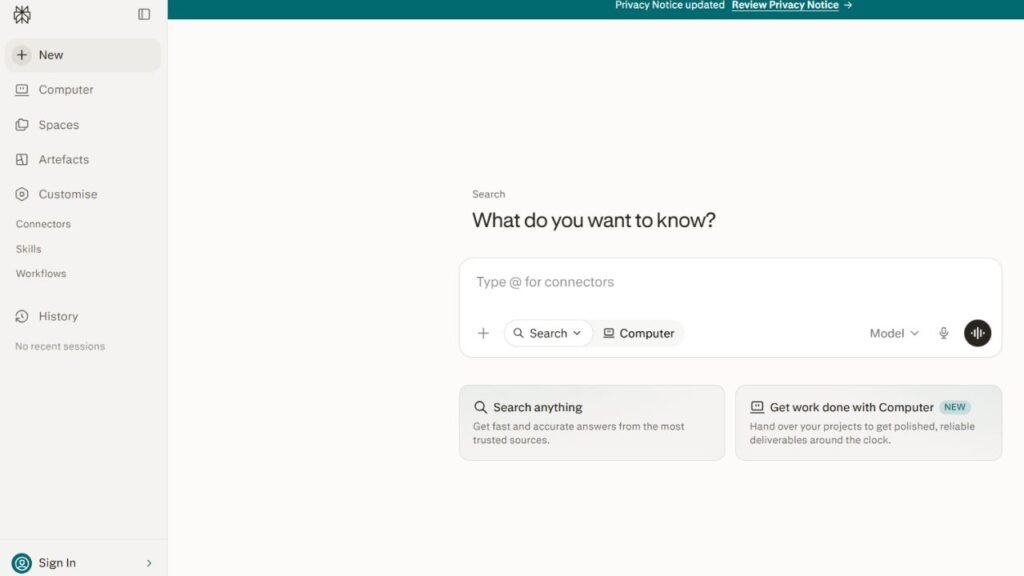
Perplexity AI has become one of the most popular AI research assistants because it combines conversational AI with source-backed search results. Instead of providing unsupported answers, it usually includes references that allow students to verify information and continue exploring the original sources.
For many students, Perplexity AI serves as the first step in the research process before moving to journal databases or library resources.
Key Features
- AI-powered research assistant
- Source-backed responses
- Citation support
- Real-time web search
- Research summaries
- Follow-up questions
- Related source recommendations
Best For
- College research
- University assignments
- Essay preparation
- Research papers
- Fact-checking
- Background reading
Pricing
Free plan available with optional premium plans offering additional search capabilities and advanced AI models.
Free Plan
The free version provides enough functionality for most students completing everyday academic research.
Advantages
- Fast research workflow
- References included with many responses
- Easy-to-use interface
- Excellent starting point for assignments
- Helps compare multiple viewpoints
Limitations
- Sources should always be verified.
- Not every cited reference is peer-reviewed.
- Original papers should be read before citing them.
Real Student Use Cases
Students use Perplexity AI to:
- Research essay topics
- Compare opposing viewpoints
- Find supporting evidence
- Build assignment outlines
- Discover reliable articles
- Verify facts before writing
When Should You Choose It?
Choose Perplexity AI if you need fast, source-backed answers before conducting deeper academic research.
NotebookLM
NotebookLM takes a different approach from most AI research assistants. Instead of searching the internet, it works primarily with your own uploaded documents, including lecture notes, textbooks, journal articles, PDFs, presentations, and research papers.
Because responses are based on your materials, NotebookLM is one of the strongest tools for exam preparation, literature reviews, and long-term research projects.
Key Features
- AI document analysis
- PDF summarization
- Question answering
- Research organization
- Smart document search
- Personalized study guides
Best For
- Literature reviews
- Research organization
- Studying journal articles
- Exam preparation
- Thesis planning
Pricing
Free plan available.
Free Plan
Students can upload and analyze their own research materials without paying.
Advantages
- Excellent document understanding
- Accurate summaries
- Saves hours reviewing PDFs
- Keeps research organized
- Great for studying from personal resources
Limitations
- Requires uploaded documents
- Not designed for general internet research
- Less useful without your own files
Real Student Use Cases
Students commonly use NotebookLM to:
- Review research papers
- Summarize textbooks
- Search lecture notes
- Organize literature reviews
- Prepare for exams
- Study large PDF collections
When Should You Choose It?
Choose NotebookLM when your research depends heavily on PDFs, journal articles, lecture notes, or textbooks you’ve already collected.
Elicit
Elicit is designed specifically for academic research rather than general web searches. It helps students discover research papers, summarize findings, compare studies, and organize literature reviews much faster than traditional search methods.
University students working on dissertations, research papers, or scientific assignments often find Elicit particularly valuable because it focuses on scholarly publications.
Key Features
- Literature review assistance
- Research paper discovery
- AI-generated summaries
- Study comparison
- Research question support
- Evidence extraction
Best For
- Literature reviews
- Scientific research
- Graduate studies
- Thesis preparation
- University research
Pricing
Free version available with premium upgrades.
Free Plan
Students can search research papers and summarize academic literature without paying.
Advantages
- Designed specifically for research
- Excellent paper discovery
- Saves significant research time
- Strong literature review support
- Easy comparison of multiple studies
Limitations
- More useful for higher education than basic homework
- Learning curve for first-time users
Real Student Use Cases
Students use Elicit to:
- Discover journal articles
- Build literature reviews
- Compare research findings
- Organize academic sources
- Support thesis proposals
When Should You Choose It?
Choose Elicit if your coursework requires reviewing multiple academic papers rather than searching general websites.
Consensus
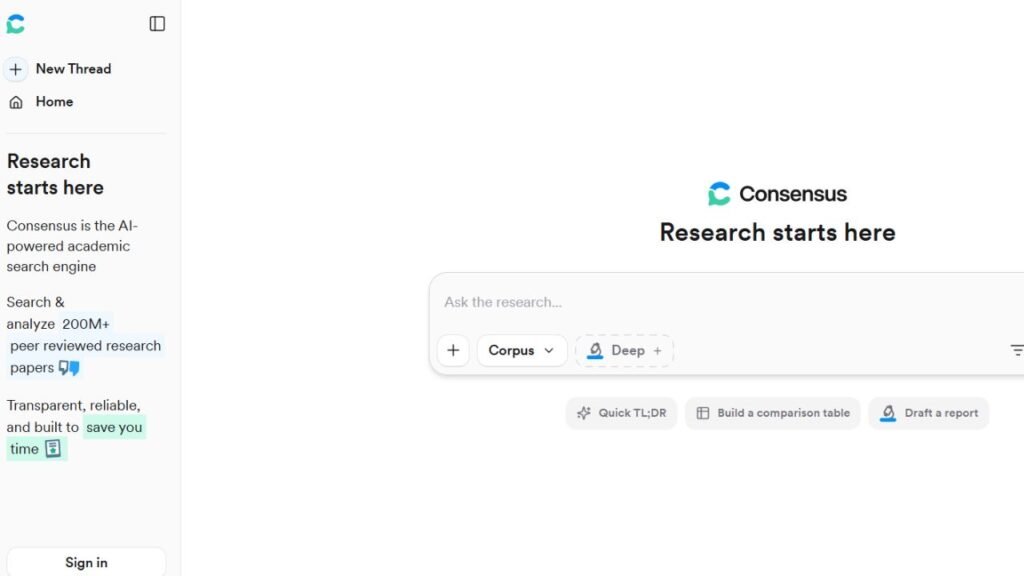
Consensus focuses on answering research questions using scientific evidence instead of opinions or general web content. It searches published academic studies to identify evidence-supported conclusions, making it especially valuable in medicine, psychology, biology, education, and health sciences.
Rather than generating lengthy conversations, Consensus emphasizes what published research actually says.
Key Features
- Scientific paper search
- Evidence summaries
- Research-backed answers
- Academic search
- AI explanations
- Study comparisons
Best For
- Scientific research
- Medical assignments
- Psychology
- Biology
- Education
- Evidence-based writing
Pricing
Free version available with optional premium plans.
Free Plan
Students can search scientific research without paying.
Advantages
- Focuses on peer-reviewed evidence
- Easy-to-understand summaries
- Excellent scientific research support
- Helps verify academic claims
Limitations
- Limited outside research-focused topics
- Not designed for creative writing
- Better suited to evidence-based subjects
Real Student Use Cases
Students commonly use Consensus to:
- Verify scientific claims
- Compare published studies
- Prepare research papers
- Review medical literature
- Support evidence-based essays
When Should You Choose It?
Choose Consensus whenever your assignment requires strong scientific evidence rather than general background information.
Semantic Scholar
Semantic Scholar is an AI-powered academic search engine built to help students discover high-quality scholarly publications across many disciplines. It uses artificial intelligence to recommend relevant papers, identify influential research, and simplify the process of exploring academic literature.
Unlike general search engines, Semantic Scholar focuses almost entirely on scholarly publications, making it one of the best resources for university-level research.
Key Features
- Academic paper search
- AI-powered recommendations
- Citation insights
- Related paper discovery
- Advanced research filters
Best For
- University students
- Research papers
- Literature reviews
- Thesis writing
- Academic source discovery
Pricing
Free.
Free Plan
Students receive full access to its core academic search features without paying.
Advantages
- Large scholarly database
- Excellent research recommendations
- Easy paper discovery
- Helpful citation information
- Strong academic focus
Limitations
- Doesn’t summarize every paper automatically
- Some papers remain behind publisher paywalls
- Requires reading original studies
Real Student Use Cases
Students use Semantic Scholar to:
- Find peer-reviewed journal articles
- Build reference lists
- Discover influential publications
- Expand literature reviews
- Explore related research topics
When Should You Choose It?
Choose Semantic Scholar when you need to discover high-quality academic literature and build stronger research foundations.
ChatGPT
ChatGPT has become one of the most widely used AI research assistants for students because it can explain complex concepts, brainstorm research questions, summarize information, and help organize academic projects. While it isn’t a dedicated academic search engine, it works exceptionally well alongside research databases.
Students should use ChatGPT to understand topics, refine research questions, and organize ideas rather than relying on it as the sole source of information.
Key Features
- Research brainstorming
- Topic explanations
- Research outlines
- PDF analysis (supported versions)
- Academic writing assistance
- Study planning
Best For
- Research planning
- Essay preparation
- Understanding difficult topics
- Brainstorming
- Assignment organization
Pricing
Free plan available with premium subscription options.
Free Plan
The free version provides sufficient functionality for most students beginning research projects.
Advantages
- Easy to use
- Excellent explanations
- Supports nearly every subject
- Great brainstorming assistant
- Helps simplify complex topics
Limitations
- AI-generated citations may be inaccurate
- Should not replace academic databases
- Every factual claim should be verified
Real Student Use Cases
Students use ChatGPT to:
- Generate research questions
- Explain difficult concepts
- Build research outlines
- Summarize notes
- Prepare presentations
- Organize assignments
When Should You Choose It?
Choose ChatGPT when you need help understanding a topic before searching academic literature.
Claude
Claude has become a favorite among university students because it handles lengthy academic documents exceptionally well. It can summarize journal articles, explain technical papers, and review long PDFs while maintaining context throughout the conversation.
Students working with research-heavy subjects often prefer Claude because it performs particularly well with long-form academic material.
Key Features
- Long-document analysis
- PDF summarization
- Academic explanations
- Research organization
- Writing assistance
Best For
- Literature reviews
- Research papers
- Thesis preparation
- Long academic PDFs
Pricing
Free version available with premium subscription options.
Free Plan
Most students can comfortably analyze research papers using the free version.
Advantages
- Excellent document understanding
- High-quality summaries
- Strong academic explanations
- Handles lengthy documents well
Limitations
- Usage limits apply
- Doesn’t replace academic databases
- Sources should still be verified
Real Student Use Cases
Students use Claude to:
- Review journal articles
- Summarize textbooks
- Analyze research papers
- Prepare literature reviews
- Understand technical documents
When Should You Choose It?
Choose Claude when your research involves long journal articles or extensive PDF collections.
Google Gemini
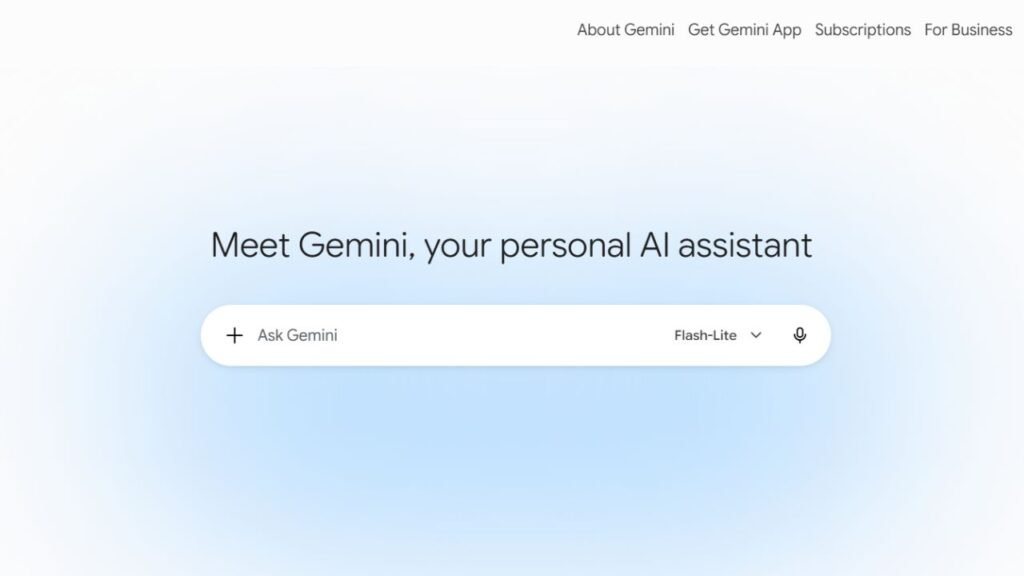
Google Gemini combines AI research assistance with Google’s productivity ecosystem. It helps students brainstorm ideas, summarize information, organize assignments, and answer research questions while integrating smoothly with Google Workspace.
Its familiar interface makes it particularly useful for students already using Google Docs, Drive, and Classroom.
Key Features
- Research assistance
- Document summaries
- Google Workspace integration
- Brainstorming
- Assignment organization
Best For
- Google Workspace users
- Homework research
- Group projects
- Assignment planning
Pricing
Free version available with premium options.
Free Plan
Students can access core research and productivity features without paying.
Advantages
- Excellent Google integration
- Easy to use
- Fast responses
- Helpful productivity tools
Limitations
- Less specialized than dedicated academic research tools
- Research sources should always be verified
Real Student Use Cases
Students use Gemini to:
- Summarize documents
- Brainstorm research ideas
- Organize assignments
- Prepare presentations
- Understand new topics
When Should You Choose It?
Choose Google Gemini if you already complete most of your coursework within Google’s ecosystem.
Scite
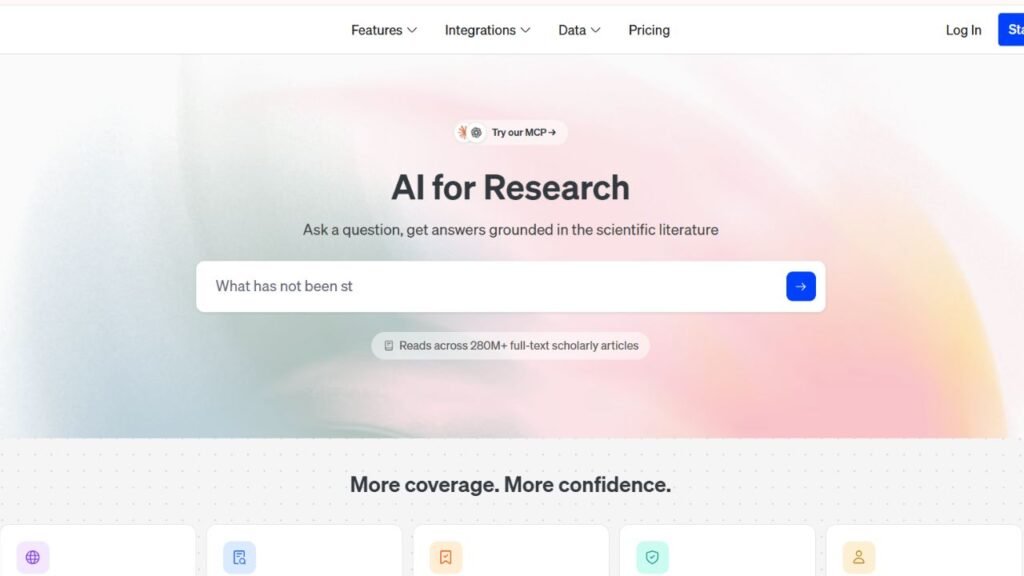
Scite is an AI-powered research platform designed to help students understand how scientific papers are cited by other researchers. Instead of simply counting citations, it provides context showing whether later studies support, mention, or challenge earlier findings.
This additional insight helps students evaluate the credibility and influence of research papers more effectively.
Key Features
- Smart citation analysis
- Citation context
- Research discovery
- Evidence evaluation
- Academic search
Best For
- Scientific research
- Graduate students
- Literature reviews
- Evidence evaluation
Pricing
Free access with optional premium plans.
Free Plan
Students can explore core citation features before upgrading.
Advantages
- Unique citation insights
- Helps evaluate research quality
- Excellent for evidence-based writing
- Strong academic focus
Limitations
- Better suited for advanced research
- Not necessary for basic homework
Real Student Use Cases
Students use Scite to:
- Evaluate research credibility
- Analyze citations
- Strengthen literature reviews
- Compare scientific evidence
When Should You Choose It?
Choose Scite when evaluating the quality and impact of academic research is just as important as finding it.
ResearchRabbit
ResearchRabbit helps students discover related academic papers through interactive visual networks rather than traditional search results. It reveals connections between authors, studies, and research topics, making it easier to uncover valuable papers that standard searches might miss.
Key Features
- Research mapping
- Paper recommendations
- Citation visualization
- Author discovery
- Collection management
Best For
- Literature reviews
- Graduate research
- Thesis projects
- Academic discovery
Pricing
Free.
Free Plan
Core research discovery features are available at no cost.
Advantages
- Excellent research visualization
- Finds related papers quickly
- Saves literature review time
- Easy collection management
Limitations
- Learning curve for beginners
- Best used alongside other research tools
Real Student Use Cases
Students use ResearchRabbit to:
- Expand literature reviews
- Discover influential authors
- Find related studies
- Organize research collections
When Should You Choose It?
Choose ResearchRabbit when you want to explore research networks and discover additional academic papers.
Connected Papers
Connected Papers generates visual graphs showing relationships between academic papers. Rather than relying solely on keyword searches, students can see how important publications connect, making it easier to understand the development of a research topic.
Key Features
- Paper relationship graphs
- Research exploration
- Citation visualization
- Topic discovery
- Academic mapping
Best For
- Literature reviews
- Thesis planning
- Academic exploration
- Research discovery
Pricing
Free version available with premium options.
Free Plan
Students can create research graphs using the free plan.
Advantages
- Easy-to-understand visualizations
- Excellent topic exploration
- Helps identify influential papers
- Saves research time
Limitations
- Complements rather than replaces academic databases
- Better suited for advanced research
Real Student Use Cases
Students use Connected Papers to:
- Explore research topics
- Discover influential studies
- Expand literature reviews
- Understand paper relationships
When Should You Choose It?
Choose Connected Papers if you prefer visual exploration over traditional search results.
Free vs Paid AI Research Tools
| Feature | Free Plans | Paid Plans |
|---|---|---|
| Academic Search | ✅ | ✅ |
| Research Summaries | ✅ | ✅ |
| PDF Analysis | Limited | ✅ |
| Literature Reviews | Limited | ✅ |
| AI Assistance | ✅ | ✅ |
| Higher Usage Limits | ❌ | ✅ |
| Advanced Research Features | Limited | ✅ |
| Priority Access | ❌ | ✅ |
Most high school and college students can complete everyday research projects using free plans. Premium subscriptions become worthwhile for students handling large literature reviews, graduate research, or extensive PDF collections.
Which AI Research Tool Is Best?
| Student Need | Best Tool |
|---|---|
| General Research | Perplexity AI |
| Personal PDFs | NotebookLM |
| Literature Reviews | Elicit |
| Scientific Evidence | Consensus |
| Academic Paper Search | Semantic Scholar |
| Research Brainstorming | ChatGPT |
| Long PDFs | Claude |
| Google Workspace Users | Google Gemini |
| Citation Analysis | Scite |
| Research Discovery | ResearchRabbit |
| Visual Literature Mapping | Connected Papers |
Expert Tips for Better Academic Research
AI research tools are most effective when they support—not replace—your own analysis.
Follow these best practices:
- Start with a clear research question before searching.
- Read original journal articles instead of relying only on summaries.
- Compare information across multiple research tools.
- Verify every citation before including it in your paper.
- Organize papers early using NotebookLM or another note-taking system.
- Save useful sources as you discover them.
- Focus on peer-reviewed research whenever possible.
- Keep detailed notes on every source you use.
Common Mistakes Students Make
Avoid these common research mistakes:
- Trusting AI-generated citations without checking them.
- Using only one research tool.
- Citing summaries instead of original papers.
- Ignoring publication dates.
- Overlooking peer-reviewed sources.
- Depending entirely on AI explanations.
- Waiting until the deadline to organize research.
- Confusing opinion articles with academic evidence.
Frequently Asked Questions
1. What is the best AI research tool for students?
Perplexity AI is one of the best all-around research assistants because it combines AI-generated answers with source-backed references.
2. Which AI tool is best for literature reviews?
Elicit, ResearchRabbit, Connected Papers, and NotebookLM are excellent choices for literature reviews.
3. Can AI summarize research papers?
Yes. NotebookLM, Claude, ChatGPT, and Elicit can summarize research papers, although students should still read the original documents.
4. Which AI tool is best for scientific research?
Consensus and Scite are especially useful for evidence-based scientific research because they focus on scholarly publications and citation analysis.
5. Is Google Scholar still useful?
Absolutely. Google Scholar remains one of the best resources for finding academic papers and works well alongside AI research assistants.
6. Are AI research tools free?
Many platforms offer free plans with enough features for everyday academic research. Premium subscriptions mainly add higher usage limits and advanced capabilities.
7. Can AI replace academic databases?
No. AI tools help students discover and understand information more efficiently, but they do not replace university libraries, academic databases, or peer-reviewed journals.
8. Which AI tool is best for PDF research?
NotebookLM and Claude are among the strongest options for analyzing and summarizing lengthy PDFs.
9. Should I trust AI-generated citations?
No. Always verify citations using the original paper or trusted academic databases before including them in assignments.
10. Can high school students benefit from AI research tools?
Yes. Tools like Perplexity AI, ChatGPT, and Google Gemini can help high school students understand topics, organize research, and locate reliable information.
Conclusion
The Best AI Research Tools for Students can make academic research faster, more organized, and more reliable when used thoughtfully. Whether you’re gathering sources for a classroom essay or preparing a university thesis, the right combination of AI tools can help you discover quality research, analyze complex papers, and organize information efficiently.
For most students, Perplexity AI is an excellent starting point for source-backed research, while NotebookLM is ideal for studying personal documents and PDFs. Elicit and Consensus shine in literature reviews and evidence-based research, Semantic Scholar remains a trusted academic search engine, and tools like Scite, ResearchRabbit, and Connected Papers provide deeper insight into research quality and relationships between studies.
The strongest research workflow combines AI with critical thinking, peer-reviewed sources, and careful verification. Use AI to save time, uncover relevant literature, and organize your findings—but always rely on original academic sources when drawing conclusions or citing evidence in your work.