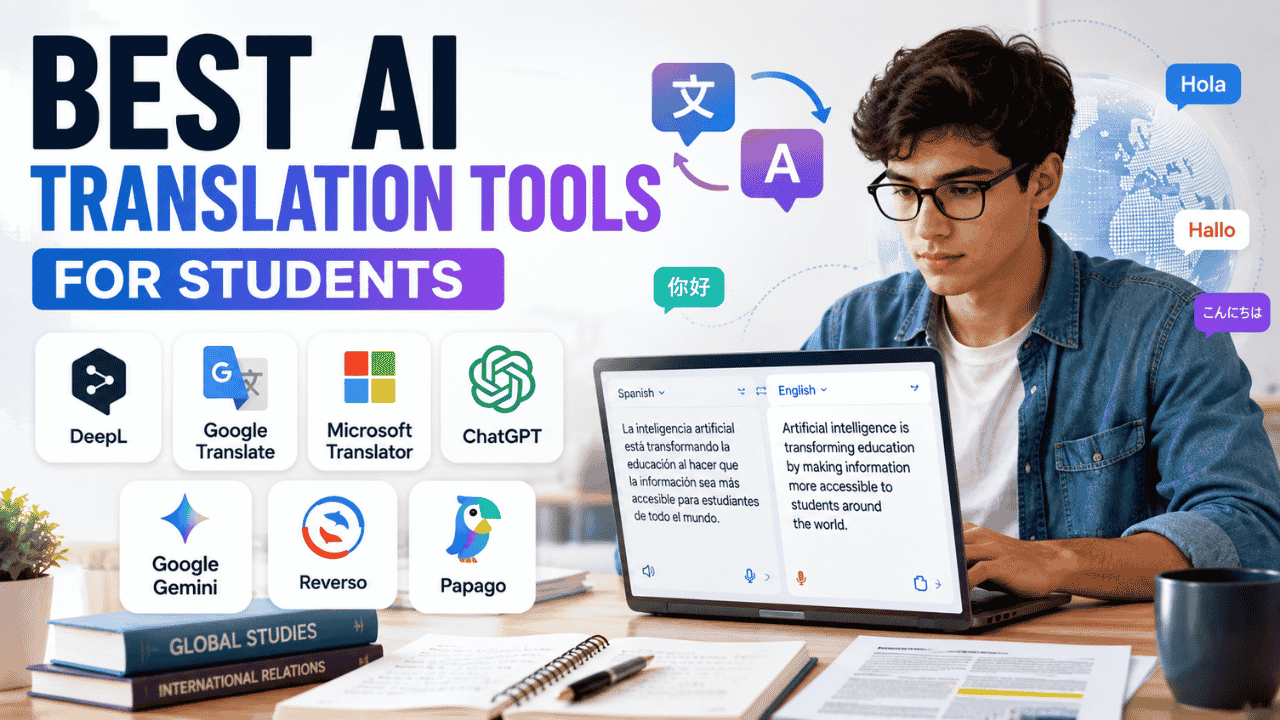
A student has just found a useful research paper, but it is written in Spanish. Another student needs to understand a German assignment before class. Someone else is working with an international group and needs to communicate in another language. These situations make translation a practical part of student life, which is where the Best AI Translation Tools for Students can save time and make foreign-language material easier to understand.
The right translator depends on what you need to do. DeepL is particularly useful for written and document translation, Google Translate handles everyday situations extremely well, Microsoft Translator is useful for conversations, while ChatGPT and Google Gemini can translate text while also explaining its meaning. Reverso is useful for contextual language learning, and Papago is a strong option for several Asian languages.
When Students Actually Need AI Translation
Translation is useful far beyond a traditional language class.
Students may encounter foreign-language research during a literature review, receive university instructions in another language, communicate with international classmates, or need to understand study materials before an exam.
Research Papers and Academic Sources
A useful academic paper does not always appear in English.
A student researching history, international relations, medicine, sociology, economics, or another subject may discover an important source written in another language.
An AI translation tool can help you understand the abstract, introduction, conclusion, or specific sections before deciding whether the source is relevant.
If you’re still collecting academic sources, our Best AI Research Tools for Students guide can help with the research stage before you organize and translate those sources.
For important academic claims, however, translation should not replace checking the original wording.
Class Assignments
Language classes are an obvious use case, but translation can also help with subjects such as:
- History
- Literature
- International relations
- Anthropology
- Political science
- Geography
- Cultural studies
A student can translate a passage to understand its meaning and then compare important sentences with the original language.
Study Materials
Students may receive:
- Lecture slides
- Textbook chapters
- PDFs
- Websites
- Study guides
- Notes
- Assignment instructions
- Images containing text
Instead of translating every sentence manually, students can use AI to quickly understand the material and identify the sections that deserve closer attention.
Group Projects
International group projects create another common translation problem.
A student might understand English well but struggle to write comfortably in it. Another group member might be more comfortable communicating in Spanish, French, Chinese, Korean, or another language.
Translation tools can help everyone understand messages and instructions without making every conversation dependent on a human translator.
Studying Abroad
Translation becomes even more useful when studying abroad.
Students may need to understand:
- University notices
- Transportation signs
- Restaurant menus
- Emails
- Forms
- Public signs
- Local websites
- Conversations
Mobile translation features are particularly useful because students can use their camera or microphone instead of manually typing everything.
Language Practice
Translation can also become a learning exercise.
Instead of immediately translating a paragraph, try translating it yourself first.
Then compare your version with the AI result.
This lets you identify vocabulary and grammar mistakes instead of simply copying the machine-generated answer.
What Makes a Good AI Translator?
A good translator should do more than replace individual words.
Consider a simple sentence such as:
“I missed the train.”
The correct translation depends on the meaning of “missed.” It means that the person failed to catch the train, not that they physically lost it.
That is why context matters.
Accuracy
Accuracy is the most obvious factor, but translation quality cannot be reduced to one number.
A translator might perform extremely well with ordinary sentences but struggle with technical terminology, idioms, unusual grammar, or badly written source material.
For academic work, important passages should always be checked.
Context
A strong translation considers the surrounding sentence rather than translating each word independently.
Context is particularly important with:
- Idioms
- Academic language
- Informal expressions
- Cultural references
- Words with multiple meanings
- Technical terminology
Tone
The same sentence can require different wording depending on where it is used.
A message to a professor should sound different from a text message to a friend.
When translating emails, assignments, or university communication, students should consider whether the translated tone matches the situation.
Terminology
Technical subjects create another challenge.
A biology term, engineering concept, legal phrase, or historical expression may have a specific accepted translation.
If a term is central to your assignment, verify it using the original source and reliable subject-specific material.
Document Support
Students working with research papers should consider whether a translator supports the files they actually use.
PDF, Word, PowerPoint, and spreadsheet translation can be more convenient than copying individual paragraphs into a text box.
Conversation Support
Students traveling or studying abroad may care more about speech translation than document translation.
A translator with voice and conversation capabilities can be useful when speaking with classmates, university staff, shopkeepers, or other people.
Privacy
Do not assume every document is appropriate for uploading.
Think carefully before submitting:
- Personal identification documents
- Private university records
- Confidential research
- Financial information
- Private correspondence
- Sensitive personal information
For sensitive material, check the service’s current privacy and data-handling policies before uploading it.
Which Translator Fits Your Situation?
The Best AI Translation Tools for Students depend on the actual problem you are trying to solve.
| Student Need | Recommended Options | Why |
|---|---|---|
| Academic documents | DeepL, Google Translate, Reverso | Useful document workflows |
| Quick everyday translation | Google Translate | Fast and convenient |
| Conversations | Google Translate, Microsoft Translator | Strong speech and conversation features |
| Translation plus explanation | ChatGPT, Gemini | Can explain meaning and terminology |
| Many languages | Google Translate | Broad language coverage |
| Contextual vocabulary | Reverso | Useful contextual examples |
| Korean and selected Asian languages | Papago | Focused language support |
| Language learning | Reverso, Google Translate | Useful for vocabulary and practice |
| Free translation | Google Translate, Microsoft Translator | Useful free access |
There is no single tool that makes sense for every student.
Main Tool Comparison
This overview of the Best AI Translation Tools for Students focuses on the functions that matter when choosing a translator for school, college, research, and everyday communication.
| Tool | Best For | Language Support | Free Option | Ease of Use |
|---|---|---|---|---|
| DeepL | Academic and document translation | Broad | Yes | Easy |
| Google Translate | Everyday translation | Very broad | Yes | Very easy |
| Microsoft Translator | Conversations and classroom communication | Broad | Yes | Easy |
| ChatGPT | Contextual translation and explanations | Multilingual | Yes | Easy |
| Google Gemini | Translation plus broader AI assistance | Multilingual | Yes | Easy |
| Reverso | Contextual translation and language learning | Focused language coverage | Yes | Easy |
| Papago | Korean and selected Asian languages | Focused | Yes | Easy |
DeepL
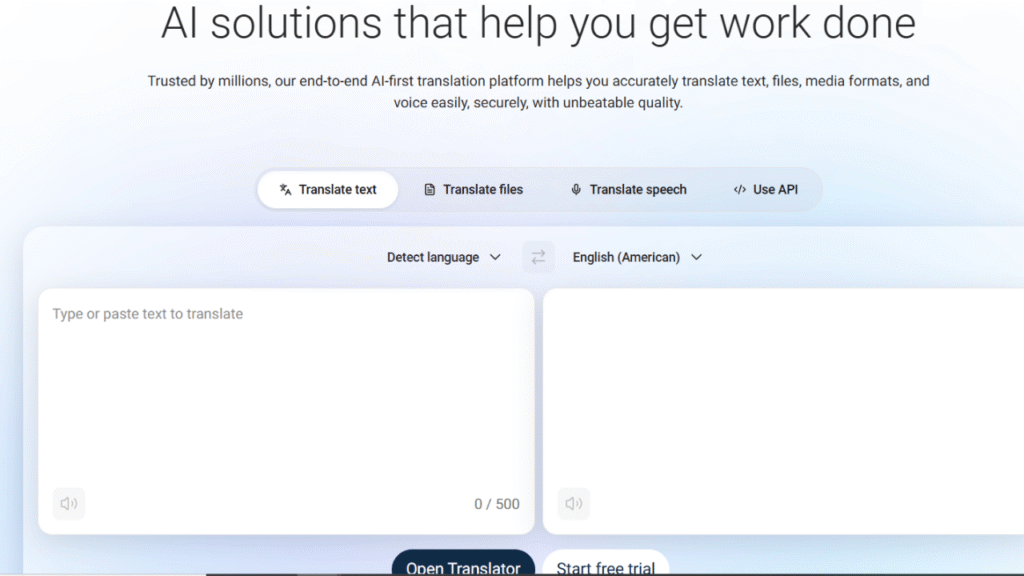
DeepL is particularly useful for students who regularly translate longer pieces of writing or documents.
Rather than focusing only on individual words, it is designed around natural written translation and provides document-translation functionality.
What Students Can Use It For
DeepL can be useful for:
- Academic papers
- PDFs
- Word documents
- Presentations
- Longer passages
- Emails
- Research material
- General writing
It also offers features such as terminology controls and translation alternatives that can be useful when students need more control over wording.
Free Availability
DeepL provides a free translation option, while paid plans provide higher limits and additional features.
The free version can be enough for students translating occasional passages.
Students who regularly translate large documents may benefit more from a paid plan.
Strengths
- Strong written translation
- Useful document workflow
- Easy interface
- Good for longer academic material
- Supports multiple document formats
- Useful terminology controls
Limitations
Free and paid plans have different usage and document limits.
Students should also remember that a natural-sounding translation can still contain an incorrect interpretation.
Best for: Students who regularly translate research papers, documents, and longer written material.
Student Example
A student finds a German research paper for a sociology project.
Instead of translating every paragraph manually, the student translates the document, identifies the sections relevant to the research question, and then checks important claims against the original German text.
Google Translate
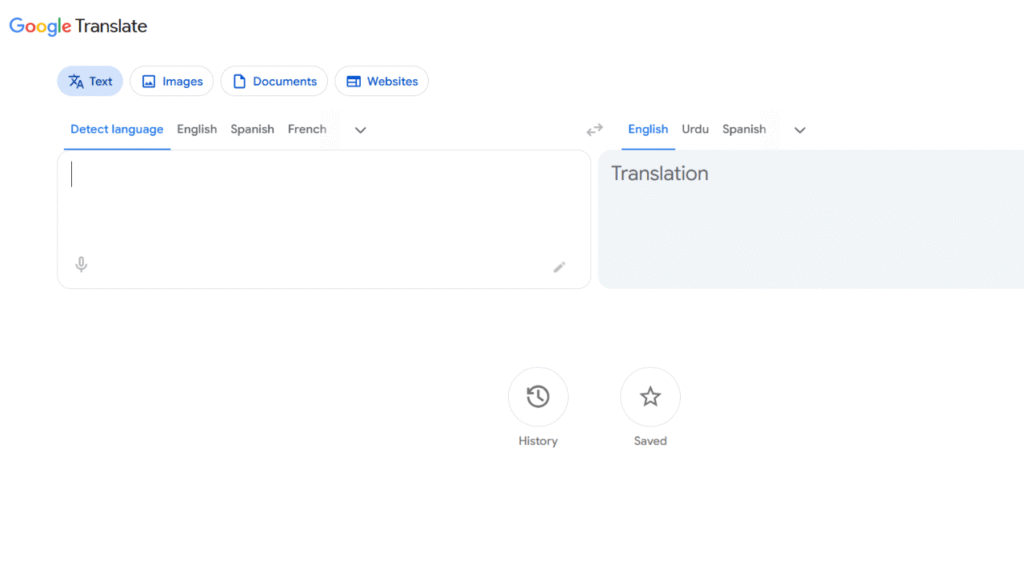
Google Translate remains one of the most useful general-purpose translation services for students.
Its biggest advantage is not one specific feature. It is the number of situations it can handle.
Students can use it for typed text, images, websites, documents, speech, and conversations.
Everyday Translation
Imagine walking around a university campus in another country.
You see a sign written in a language you do not understand.
Instead of typing the sign manually, you can use a camera-based translation feature to understand the visible text.
This is especially useful for studying abroad.
Conversation Translation
Voice and conversation functionality can help students communicate with people who speak different languages.
It can be useful for basic conversations, directions, university communication, and everyday situations.
Document Translation
Google Translate also supports document translation through its web interface.
This can be useful when a student receives a foreign-language Word document, PDF, presentation, or spreadsheet.
Free Availability
Google Translate is free for normal consumer translation use.
For students who need occasional translation, that can be enough without paying for a dedicated subscription.
Strengths
- Easy to use
- Free
- Text translation
- Camera translation
- Document translation
- Website translation
- Speech features
- Conversation features
- Mobile availability
- Broad language coverage
Limitations
Its convenience can make students less likely to check the original material.
That is a problem when translating academic terminology, quotations, statistics, or important research findings.
Best for: Students who need a fast translator for many different situations.
Student Example
An international student receives a university notice written in another language.
They photograph the notice, translate it, and then check the original wording for important dates and instructions.
Microsoft Translator
Microsoft Translator is particularly useful for students who need conversation and classroom communication features.
It can handle text, speech, image translation, and conversation-oriented scenarios.
Conversation Features
This is where Microsoft Translator becomes particularly interesting for students.
Imagine an international group project involving students who speak different languages.
Instead of relying on one person to translate every message, participants can use conversation tools to understand the discussion.
Microsoft also provides education-focused translation capabilities designed around multilingual classroom communication.
Classroom Use
Translation can help students understand:
- Teacher instructions
- Classroom discussions
- Presentations
- Announcements
- Questions from classmates
Live translation and captioning can also be useful when language barriers make normal classroom communication difficult.
Free Availability
Microsoft offers translation services and apps that can be used for personal and educational situations.
Some advanced organizational translation capabilities are separate from the basic consumer experience.
Strengths
- Conversation translation
- Speech translation
- Image translation
- Classroom use
- Multilingual communication
- Mobile support
- Useful for international students
Limitations
Not every language supports every feature.
A language may support text translation but have limited speech, image, offline, or conversation functionality.
Best for: Students who need translation during conversations, classrooms, or group projects.
Student Example
An international student joins a university study group.
Several students speak different first languages, so translation tools are used to make the group discussion easier to follow.
ChatGPT
ChatGPT is different from a dedicated translation service.
Its biggest advantage is that translation can be combined with explanation.
A student can provide a paragraph and request something like:
Translate this paragraph into natural American English while preserving the academic meaning and technical terminology.
Then the student can ask follow-up questions.
For example:
- Why did you translate this phrase that way?
- What does this expression mean?
- Give me a simpler version.
- Explain the difficult vocabulary.
- Compare the original meaning with the translation.
- Rewrite this in a formal academic tone.
That makes ChatGPT particularly useful when students need to understand a translation rather than simply obtain one.
Free Availability
ChatGPT has a free option, with usage limits that vary by feature and account conditions. Paid plans provide higher limits and additional capabilities.
Strengths
- Contextual translation
- Explanation of difficult phrases
- Follow-up questions
- Tone control
- Vocabulary explanations
- Useful for academic material
- Can combine translation with writing assistance
Limitations
AI assistants can make mistakes.
A translation that sounds fluent may still be inaccurate, especially when the source contains ambiguous wording or specialized terminology.
Best for: Students who want translation and explanation in the same workflow.
Student Example
A student finds a French academic paragraph containing several unfamiliar terms.
Instead of only translating it, they ask ChatGPT to translate the paragraph and explain the three most important concepts in simple English.
Google Gemini
Google Gemini is another general AI assistant that can be useful for translation.
It is not primarily a dedicated translation platform, but its conversational nature allows students to combine translation with other tasks.
A student can ask Gemini to:
- Translate a paragraph
- Explain unfamiliar words
- Simplify the translation
- Compare two translations
- Rewrite a passage
- Explain cultural context
- Practice another language
Why Students May Use It
The main advantage is flexibility.
Translation does not have to be the final step.
For example, a student could translate a foreign-language passage, ask for the main argument, and then request a short explanation of the important terminology.
Free Availability
Gemini offers free access, while Google’s paid AI plans provide higher limits and additional capabilities.
Strengths
- Translation plus explanation
- Conversational interaction
- Useful for studying
- Multilingual assistance
- Can help with rewriting
- Useful for broader academic workflows
Limitations
Gemini is not a specialized translation platform.
If your only task is translating a large document, a dedicated document translator may provide a cleaner workflow.
Best for: Students already using Gemini for studying who also need multilingual assistance.
Reverso
Reverso takes a different approach to translation.
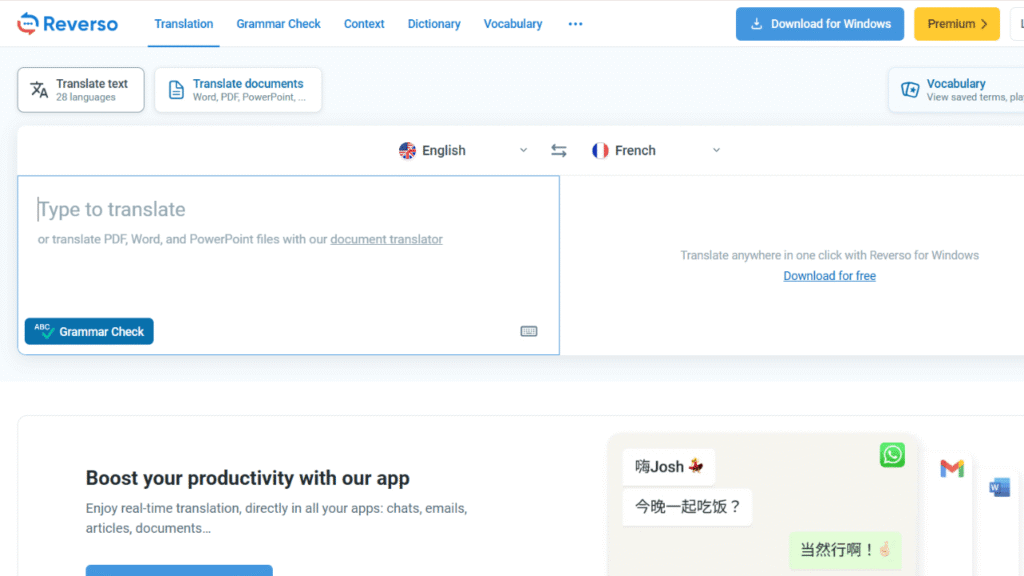
Instead of simply giving you one translated sentence, Reverso Context focuses heavily on examples showing how words and expressions are used in context.
That makes it especially useful for language students.
Why Context Matters
Suppose you’re learning French and encounter a word that has several possible English translations.
Seeing the word inside real example sentences can help you understand which meaning applies.
Reverso also offers features related to:
- Vocabulary
- Pronunciation
- Saved words
- Grammar
- Language practice
- Contextual examples
- Document translation
Document Translation
Reverso provides document translation for formats such as PDF and Office documents.
That can be useful when students need to translate longer academic material.
Pricing
Reverso offers free access alongside paid Premium and document-focused options.
Students who only need occasional translation can start with the free version.
Strengths
- Contextual examples
- Language-learning features
- Vocabulary practice
- Pronunciation
- Document translation
- Browser accessibility
- Useful for students learning languages
Limitations
Its language coverage is more focused than Google Translate.
Best for: Students who want translation to support actual language learning.
Student Example
A Spanish student encounters an unfamiliar phrase while reading an English article.
Instead of translating the phrase and moving on, they use contextual examples to see how the expression is used in different sentences.
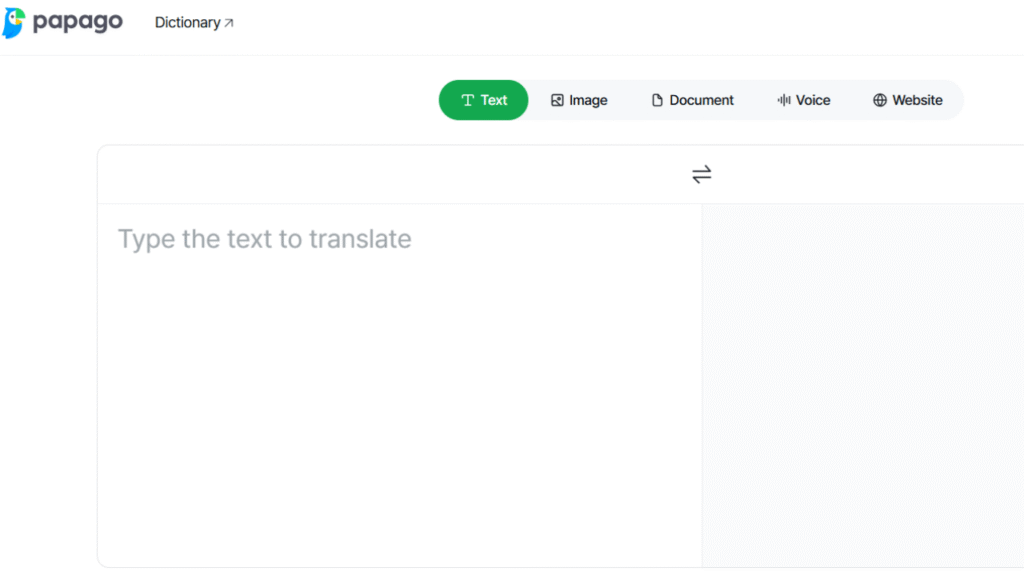
Papago
Papago is worth considering for students working with Korean and several other Asian languages.
Its language coverage is more focused than Google Translate, but that can be useful for students whose coursework regularly involves supported Asian languages.
Useful Features
Papago can provide:
- Text translation
- Image translation
- Voice-related translation
- Document translation
- Pronunciation assistance
- Language-learning support
Its document capabilities are particularly useful for students working with academic material in supported languages.
Why Students Choose It
A student studying Korean may find Papago more relevant than a translator selected simply because it supports the largest number of languages.
The best tool is often the one that performs well for your specific language pair.
Strengths
- Strong focus on selected Asian languages
- Text translation
- Image translation
- Document support
- Pronunciation features
- Useful mobile experience
Limitations
The number of supported languages is smaller than Google Translate.
Best for: Students working with Korean and other languages strongly supported by Papago.
Student Example
A student studying Korean needs to understand a university document and several signs while traveling.
Papago provides translation assistance without requiring the student to type every piece of text manually.
Translation Feature Comparison
| Tool | Text | Documents | Image | Voice / Conversation | Context Explanation |
|---|---|---|---|---|---|
| DeepL | Yes | Yes | Yes | Available through supported features | Moderate |
| Google Translate | Yes | Yes | Yes | Yes | Limited |
| Microsoft Translator | Yes | Supported | Yes | Yes | Limited |
| ChatGPT | Yes | Supported file workflows | Supported features | Yes | Strong |
| Gemini | Yes | Supported workflows | Supported features | Yes | Strong |
| Reverso | Yes | Yes | Supported features | Supported | Strong |
| Papago | Yes | Yes | Yes | Supported | Moderate |
Feature availability can differ according to language, device, account, plan, and product version.
That matters when you’re comparing translators for a specific language.
A Student Translation Workflow
A good translation workflow should look like this:
Find the original source
↓
Translate the relevant section
↓
Check the context
↓
Verify important terminology
↓
Compare with the original
↓
Take your own notes
↓
Cite the original source
This process takes slightly longer than simply copying a translation, but it produces much better academic work.
Step 1: Find the Original Source
Keep the original article, PDF, webpage, or document.
Never save only the translated version.
Step 2: Translate What You Actually Need
If a research paper is 50 pages long, you may not need all 50 pages translated.
Start with the abstract, introduction, conclusion, or sections relevant to your research question.
Step 3: Check Context
Read several sentences before and after an important statement.
A phrase can have a completely different meaning depending on the surrounding text.
Step 4: Verify Terminology
Identify important technical terms.
Check those separately using reliable academic or subject-specific resources.
Step 5: Compare With the Original
For quotations, statistics, dates, names, definitions, and important claims, compare the translation with the original language.
Step 6: Take Your Own Notes
Once you understand the source, write your notes in your own words.
Don’t turn the translated output directly into your assignment.
Step 7: Cite the Original
Translation does not change the source.
If information came from a foreign-language paper, that paper is still the source that needs to be cited.
AI Translation vs. Traditional Translation Tools
Both approaches have advantages.
| Factor | AI Assistant | Dedicated Translator |
|---|---|---|
| Context explanation | Strong | Moderate |
| Quick translation | Strong | Strong |
| Document translation | Depends on tool | Strong |
| Conversation | Strong on supported platforms | Strong |
| Academic terminology | Requires verification | Requires verification |
| Follow-up questions | Excellent | Limited |
| Language coverage | Varies | Clearly defined |
| Language-learning examples | Strong | Reverso is especially useful |
| Camera translation | Depends on tool | Strong in dedicated apps |
| Document workflow | Varies | Strong in specialized tools |
A dedicated translator makes more sense for a simple request:
“Translate this PDF from German to English.”
An AI assistant becomes more useful when the request is:
“Translate this paragraph, explain the technical terms, and tell me what the author is saying.”
That distinction can save students a lot of unnecessary work.
When You Should Not Trust a Translation Blindly
AI translation can be extremely useful, but certain situations require extra care.
Academic Terminology
A general translator may choose a technically possible word that isn’t the term normally used in your field.
Check important terminology before using it in an assignment.
Medical Terminology
Medical language can be highly precise.
Do not rely on an ordinary AI translator as the sole authority for medical instructions, diagnoses, or clinical information.
Legal Terminology
Legal language often depends on exact wording.
A machine translation may help you understand a document, but it does not automatically constitute a certified legal translation.
Names and Numbers
Always check:
- Names
- Dates
- Percentages
- Measurements
- Currency
- Addresses
- Reference numbers
These details are too important to accept without checking.
Technical Language
Computer science, engineering, chemistry, physics, and other technical fields contain specialized terminology.
If a translated technical term looks unusual, verify it.
Cultural Expressions
Idioms often cannot be translated word-for-word.
The correct translation may use an equivalent expression in the target language instead.
Poor Source Documents
A blurry scanned document can cause problems before translation even begins.
If the original text is difficult to read, the translated output may also be unreliable.
Free vs. Paid Translation Tools
Students do not automatically need a paid translation service.
| Tool | Free Option | Paid Option | Why Students Might Upgrade |
|---|---|---|---|
| Google Translate | Yes | Not required for normal consumer use | Most students can use the free service |
| Microsoft Translator | Yes | Advanced organizational options | More specialized use |
| DeepL | Yes | Pro plans | Higher limits and additional features |
| ChatGPT | Yes | Paid plans | Higher usage and additional capabilities |
| Gemini | Yes | Paid AI plans | Higher limits and additional AI features |
| Reverso | Yes | Premium options | Additional translation and learning features |
| Papago | Yes | Additional premium functionality | Expanded document-related capabilities |
For most students, the free option is enough for occasional translation.
A paid plan makes more sense when you regularly translate large documents, need higher limits, or rely heavily on additional features.
Best Options by Student Type
High School Students
Best choices: Google Translate and Microsoft Translator
Both are easy to use and practical for language classes, homework, travel, and basic communication.
There is little reason for a high school student to pay for an advanced translation subscription if they only translate short passages.
College Students
Best choices: DeepL, Google Translate, and ChatGPT
College students often encounter longer academic documents.
DeepL works well for document translation, Google Translate is useful for everyday translation and images, and ChatGPT can help explain difficult passages.
International Students
Best choices: Google Translate and Microsoft Translator
Their speech, camera, and conversation capabilities make them useful beyond normal coursework.
Language Learners
Best choices: Reverso and Google Translate
Reverso is especially useful for contextual examples, vocabulary, and language practice.
Students who want a broader AI-supported language routine can also explore Best AI Language Learning Apps for Students.
Research-Heavy Students
Best choices: DeepL, Google Translate, and ChatGPT
Use a dedicated translator for the initial translation, then use an AI assistant when you need help understanding terminology or difficult concepts.
Students on a Budget
Best choices: Google Translate, Microsoft Translator, ChatGPT Free, and Gemini Free
Basic translation does not require an expensive subscription.
Students Who Need Document Translation
Best choices: DeepL, Google Translate, Reverso, and Papago
The right choice depends on your language pair, document type, file size, and whether preserving the original layout matters.
A 10-Minute Translation Checklist
Before relying on a translated passage for an assignment, use this checklist.
1. Check Names
Confirm that people, organizations, universities, cities, and institutions are correct.
2. Check Numbers
Compare:
- Dates
- Percentages
- Statistics
- Measurements
- Currency
- Reference numbers
with the original.
3. Check Terminology
Identify the most important technical terms and verify them independently.
4. Check Context
Read the surrounding sentences rather than looking at one translated sentence in isolation.
5. Compare Important Sentences
For complicated statements, compare the original and translated versions side by side.
6. Verify Citations
Check that authors, titles, dates, journals, and other source information have not been altered.
7. Keep the Original
Save the original document with your notes.
8. Don’t Submit the Translation as Your Own Work
A translation tool helps you understand another person’s work.
It does not turn that information into your own original research.
Frequently Asked Questions
What are the Best AI Translation Tools for Students?
The best option depends on your situation. DeepL is a strong choice for documents and written material, Google Translate is useful for everyday translation, Microsoft Translator is valuable for conversations, Reverso is helpful for contextual language learning, and ChatGPT or Gemini are useful when translation needs to be combined with explanation.
Which AI translator is best for academic papers?
DeepL, Google Translate, and Reverso are useful options for academic material. Students should still verify technical terms, important claims, quotations, numbers, and citations against the original source.
Is Google Translate free for students?
Yes. Google Translate provides free consumer translation features, making it a practical choice for students who only need occasional translation.
Is DeepL better than Google Translate?
Neither is automatically better for every situation. DeepL is particularly useful for written and document translation, while Google Translate provides a broader set of everyday features such as camera translation, conversation tools, website translation, and other mobile functions.
Can AI translate a research paper?
Yes. Supported tools can translate research papers and other documents. Students should still compare important passages with the original because translation errors can affect technical terminology, statistics, and the meaning of research findings.
Can Google Translate translate PDFs?
Yes. Google Translate provides document translation through its web interface and supports common document formats.
Can DeepL translate PDFs?
Yes. DeepL provides PDF translation. The available limits and features depend on the account and plan being used.
Which translator is best for conversations?
Google Translate and Microsoft Translator are strong options for conversations because they support speech and conversation-oriented translation features.
Can ChatGPT translate documents?
ChatGPT can work with uploaded files where file-upload functionality is available. Students can ask it to translate document content and explain difficult passages, although usage limits depend on the account and plan.
Is AI translation acceptable for college assignments?
Using AI to understand a foreign-language source is different from submitting AI-generated translation as your own work. Students should follow their school’s or instructor’s rules regarding AI use and translated material.
Can AI translation replace a human translator?
Not in every situation. Certified, legal, medical, professional, or highly sensitive translations may require qualified human review.
Which translator is best for Korean?
Papago is worth considering for Korean because it has a focused set of language capabilities that includes Korean alongside several other Asian and international languages.
Does Microsoft Translator work offline?
Microsoft Translator provides offline translation for supported languages on supported platforms. Availability differs depending on the language and device.
Is Reverso useful for learning languages?
Yes. Reverso is particularly useful because it combines translation with contextual examples, vocabulary, pronunciation, and other language-learning features.
Should students cite the original source or the translation?
Students should follow the citation requirements for their course and academic style. The original source remains the work containing the information, so students should keep its author, title, publication details, and other citation information available.
Final Recommendations
The Best AI Translation Tools for Students depend on what you actually need to translate.
Choose DeepL if you regularly work with academic documents, PDFs, Word files, or longer written passages. It is particularly useful when document translation is a major part of your workflow.
Choose Google Translate if you want a versatile translator for everyday student life. Text, images, websites, documents, speech, and conversations make it useful in classrooms, research, travel, and daily communication.
Choose Microsoft Translator if conversations and multilingual communication are your priority. Its speech and conversation features can be useful for international students and group projects.
Choose ChatGPT when translation is only one part of the task. If you need to translate a passage and then ask about terminology, tone, meaning, or context, a conversational AI assistant can be more useful than a basic translation box.
Choose Gemini if you already use Google’s AI ecosystem and want translation combined with broader study assistance.
Choose Reverso if your goal is language learning as well as translation. Its contextual examples, vocabulary features, and pronunciation tools make it particularly useful for students who want to understand how a phrase is actually used.
Choose Papago if your studies involve Korean or other languages where its focused language support is useful.
The biggest mistake is treating any translator as automatically correct.
Use AI to get past the language barrier faster, but check the original whenever the wording matters. For academic research, keep the original source, verify important terminology and numbers, and cite the actual source rather than treating the translation as a replacement for it.