
Mathematics is one of the most challenging subjects for many students. Whether you’re solving algebra equations, working through calculus problems, studying geometry, or preparing for college entrance exams, understanding each step is often more important than simply finding the final answer.
Modern AI math tools are changing how students learn. Instead of acting as simple calculators, today’s platforms explain formulas, visualize graphs, solve equations step by step, and help students understand the reasoning behind each solution.
However, not every AI math assistant is designed for the same purpose. Some specialize in basic homework, while others excel at advanced engineering mathematics, graphing, or interactive learning.
This guide compares the Best AI Math Tools for Students, helping high school, college, and university students choose the right platform for homework, exam preparation, and everyday learning.
For a complete comparison of AI software across every category, read our guide to Best AI Tools for Students.
If you’re looking for budget-friendly options, check out our guide to Best Free AI Tools for Students.
Need help writing assignments after solving math problems? Our guide to Best AI Writing Tools for Students can help polish your work.
To organize formulas, class notes, and revision materials more effectively, see our guide to Best AI Note-Taking Apps for Students.
If your coursework includes statistics or mathematical research, don’t miss our guide to Best AI Research Tools for Students.
For broader assignment support beyond mathematics, read our guide to Best AI Homework Tools for Students.
What Are AI Math Tools?
AI math tools help students solve equations, understand mathematical concepts, visualize graphs, and learn step by step instead of simply displaying answers. The best tools improve problem-solving skills while saving time during homework and exam preparation.
Students commonly use AI math tools for:
- Algebra
- Geometry
- Trigonometry
- Calculus
- Statistics
- Linear Algebra
- Physics calculations
- Engineering mathematics
Many platforms now offer:
- Step-by-step solutions
- Camera-based equation scanning
- Graph visualization
- Formula explanations
- Practice questions
- Interactive learning
- Homework assistance
- Exam preparation
When used correctly, these tools become digital tutors rather than simple calculators.
How We Evaluated These AI Math Tools
Every recommendation in this guide focuses on educational value instead of simply identifying the fastest solver.
We evaluated each platform using several important criteria.
| Evaluation Factor | Why It Matters |
|---|---|
| Solution Accuracy | Correct answers are essential. |
| Step-by-Step Explanations | Students should understand every solution. |
| Subject Coverage | Supports multiple areas of mathematics. |
| Ease of Use | Suitable for beginners and advanced learners. |
| Free Plan | Useful without paying. |
| Learning Experience | Encourages independent problem solving. |
| Student Productivity | Saves time while improving understanding. |
Quick Comparison Table
| Tool | Best For | Free Plan | Overall Rating |
|---|---|---|---|
| Photomath | Everyday math homework | ✅ | ⭐⭐⭐⭐⭐ |
| Wolfram Alpha | Advanced STEM | ✅ | ⭐⭐⭐⭐⭐ |
| Microsoft Math Solver | Camera-based solving | ✅ | ⭐⭐⭐⭐☆ |
| Symbolab | Step-by-step explanations | ✅ | ⭐⭐⭐⭐⭐ |
| ChatGPT | Learning concepts | ✅ | ⭐⭐⭐⭐☆ |
| GeoGebra | Graphing & Geometry | ✅ | ⭐⭐⭐⭐⭐ |
| Mathway | Homework solving | ✅ | ⭐⭐⭐⭐☆ |
| Google Gemini | Homework assistance | ✅ | ⭐⭐⭐⭐☆ |
| Claude | Detailed explanations | ✅ | ⭐⭐⭐⭐☆ |
| Khanmigo | Guided learning | Limited | ⭐⭐⭐⭐☆ |
Best AI Math Tools for Students
The best AI math tools combine accurate calculations with detailed explanations, helping students build confidence in mathematics instead of simply completing homework faster.
Photomath
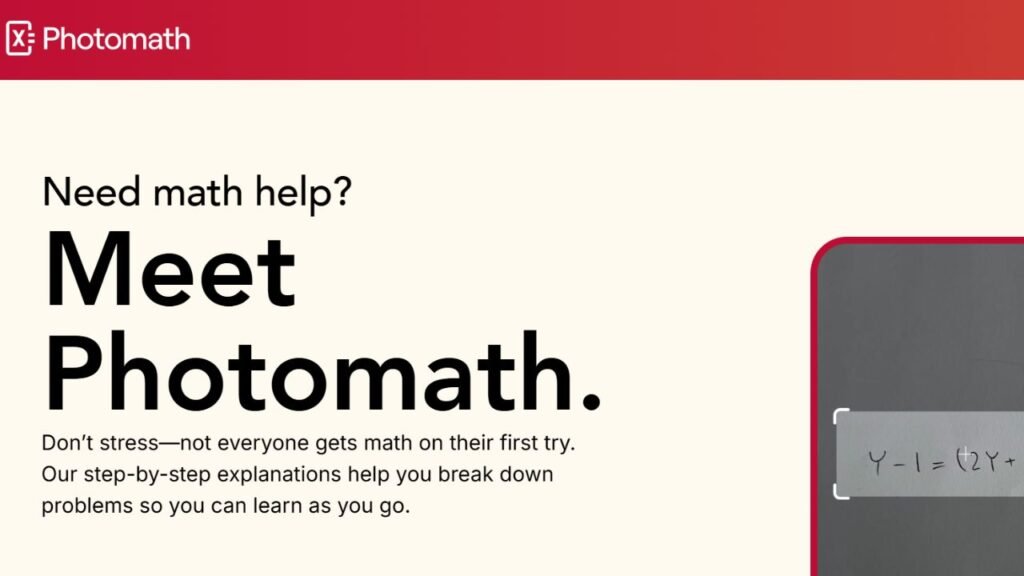
Photomath remains one of the most popular AI math apps because it allows students to scan equations using their smartphone camera and receive detailed, step-by-step solutions. Instead of only displaying the final answer, the app explains the reasoning behind each step, making it an excellent learning companion.
It supports a wide range of topics, including arithmetic, algebra, geometry, trigonometry, and introductory calculus, making it suitable for students at different academic levels.
Key Features
- Camera-based equation scanner
- Step-by-step solutions
- Interactive explanations
- Multiple solving methods
- Graph support
- Scientific calculator
Best For
- High school mathematics
- Algebra
- Geometry
- Trigonometry
- Homework review
- Exam preparation
Pricing
Free version available with optional premium subscription.
Free Plan
Students can scan and solve many math problems without paying. Premium features unlock more detailed explanations and additional learning resources.
Advantages
- Very easy to use
- Excellent educational explanations
- Fast equation recognition
- Supports multiple math topics
- Beginner friendly
Limitations
- Focuses mainly on mathematics
- Premium subscription provides deeper explanations
- Doesn’t cover non-math subjects
Real Student Use Cases
Students use Photomath to:
- Solve algebra homework
- Understand geometry proofs
- Practice trigonometry
- Check calculations
- Prepare for math exams
- Review difficult equations
When Should You Choose It?
Choose Photomath if you want quick, step-by-step explanations for everyday math homework and classroom assignments.
Wolfram Alpha
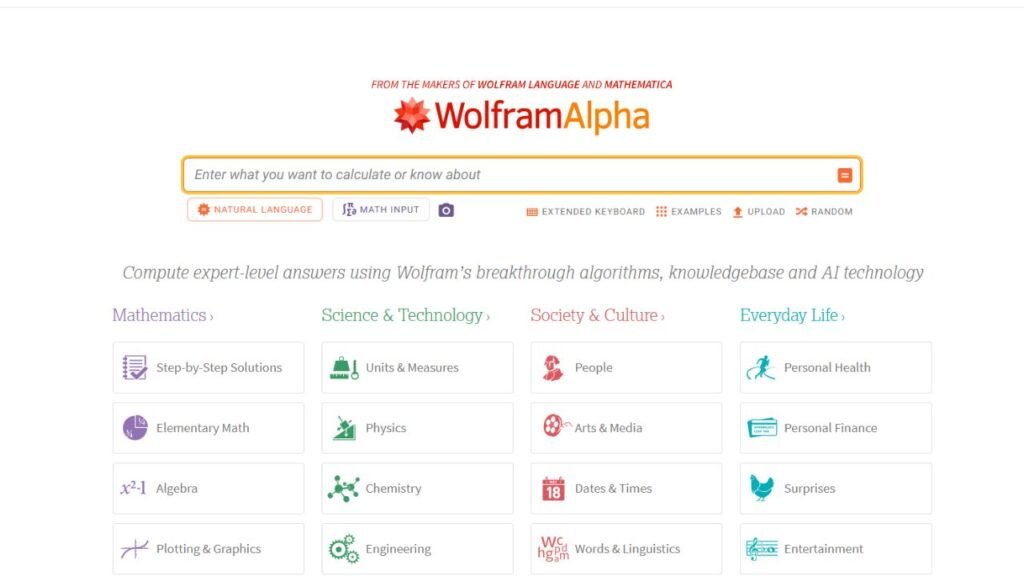
Wolfram Alpha is widely regarded as one of the most powerful computational tools available for students studying advanced mathematics, engineering, physics, chemistry, and statistics. Rather than functioning like a traditional chatbot, it performs complex calculations using an extensive computational knowledge engine.
Its precision makes it particularly valuable for college students and STEM majors.
Key Features
- Advanced equation solving
- Graph generation
- Scientific calculations
- Statistics support
- Calculus tools
- Engineering calculations
- Data visualization
Best For
- Calculus
- Statistics
- Engineering
- Physics
- Chemistry
- University mathematics
Pricing
Free version available with premium subscription options.
Free Plan
Students can solve many advanced mathematical problems without paying.
Advantages
- Extremely accurate
- Outstanding STEM support
- Handles advanced equations
- Excellent graphing capabilities
- Trusted by educators worldwide
Limitations
- More advanced interface
- Learning curve for beginners
- Some premium computational features require upgrading
Real Student Use Cases
Students use Wolfram Alpha to:
- Solve calculus problems
- Verify engineering calculations
- Analyze statistics
- Generate mathematical graphs
- Study differential equations
- Complete STEM assignments
When Should You Choose It?
Choose Wolfram Alpha when accuracy and advanced mathematical computation are more important than conversational explanations.
Microsoft Math Solver
Microsoft Math Solver combines artificial intelligence with image recognition to solve handwritten and printed math problems. Students can either type an equation or scan it using their mobile device to receive explanations and multiple solving methods.
Its clean interface makes it particularly accessible for younger students.
Key Features
- Camera equation scanner
- Step-by-step solutions
- Multiple solving methods
- Graph generation
- Formula explanations
- Practice worksheets
Best For
- High school students
- Algebra
- Geometry
- Homework practice
- Classroom learning
Pricing
Free.
Free Plan
All core features are available without a subscription.
Advantages
- Completely free
- Simple interface
- Accurate equation recognition
- Easy for beginners
- Helpful visual explanations
Limitations
- Fewer advanced features than Wolfram Alpha
- Less suitable for higher-level university mathematics
Real Student Use Cases
Students use Microsoft Math Solver to:
- Scan homework
- Review algebra
- Learn geometry
- Check answers
- Practice equations
When Should You Choose It?
Choose Microsoft Math Solver if you want a completely free AI math app that’s easy to use for daily homework.
Symbolab
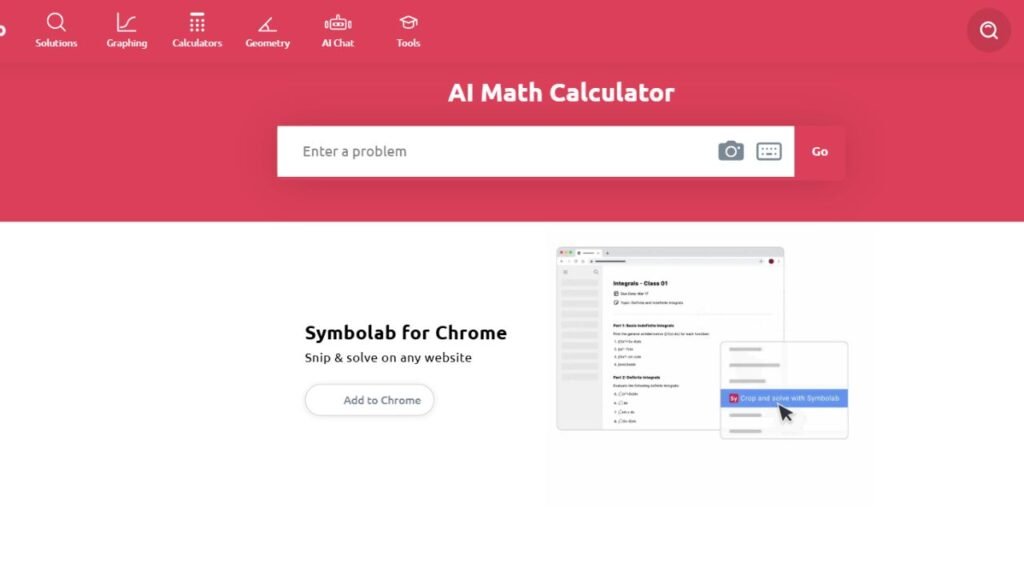
Symbolab is designed specifically for students who want detailed mathematical explanations rather than quick answers. It covers everything from basic algebra to advanced calculus while breaking solutions into understandable steps.
Its educational approach makes it particularly valuable during exam preparation.
Key Features
- Step-by-step solutions
- Algebra solver
- Calculus solver
- Trigonometry tools
- Graphing
- Equation explanations
Best For
- Algebra
- Calculus
- College mathematics
- Homework review
- Self-learning
Pricing
Free version available with premium subscription.
Free Plan
Students can solve many equations for free, while premium plans unlock complete step-by-step explanations.
Advantages
- Excellent educational approach
- Strong calculus support
- Easy-to-read explanations
- Comprehensive subject coverage
Limitations
- Premium subscription required for some detailed solutions
- Less useful outside mathematics
Real Student Use Cases
Students commonly use Symbolab to:
- Review algebra homework
- Practice calculus
- Learn trigonometry
- Prepare for final exams
- Verify solutions
When Should You Choose It?
Choose Symbolab if your priority is learning how each mathematical solution is developed instead of simply checking the answer.
ChatGPT
ChatGPT is one of the most flexible AI study assistants available and can explain mathematical concepts in simple language while helping students understand formulas, solve equations, and prepare for exams.
Although it isn’t a dedicated mathematics engine like Wolfram Alpha, it performs well when students need conceptual explanations or step-by-step guidance.
Key Features
- Mathematical explanations
- Homework assistance
- Formula explanations
- Step-by-step reasoning
- Study planning
- Multi-subject support
Best For
- Concept learning
- Homework help
- Exam preparation
- Understanding formulas
- General mathematics
Pricing
Free version available with optional premium plans.
Free Plan
Most students can complete everyday mathematics homework using the free version.
Advantages
- Easy explanations
- Covers nearly every math topic
- Excellent study companion
- Great for beginners
- Supports multiple subjects
Limitations
- Complex calculations should be verified.
- Not a replacement for dedicated computational software.
- Mathematical accuracy can vary with advanced problems.
Real Student Use Cases
Students use ChatGPT to:
- Understand formulas
- Explain difficult concepts
- Review homework
- Prepare for exams
- Learn mathematical terminology
- Practice problem-solving
When Should You Choose It?
Choose ChatGPT when you want mathematical concepts explained in clear, conversational language before solving problems independently.
GeoGebra
GeoGebra combines geometry, algebra, graphing, calculus, and statistics into one interactive learning platform. Instead of only solving equations, it helps students visualize mathematical concepts, making abstract topics much easier to understand.
Teachers and students around the world use GeoGebra because it encourages experimentation and hands-on learning rather than memorization.
Key Features
- Interactive graphing
- Geometry tools
- 3D graphing
- Algebra support
- Calculus visualization
- Statistics tools
- Dynamic mathematical models
Best For
- Geometry
- Graphing
- Calculus
- Statistics
- Classroom learning
- Visual learners
Pricing
Free.
Free Plan
GeoGebra is completely free for students and educators.
Advantages
- Excellent visual learning experience
- Interactive graphs
- Completely free
- Supports multiple math subjects
- Strong educational community
Limitations
- Doesn’t provide detailed AI tutoring like ChatGPT
- More focused on visualization than homework explanations
Real Student Use Cases
Students use GeoGebra to:
- Explore geometry concepts
- Visualize calculus functions
- Build mathematical models
- Create graphs
- Study statistics
- Prepare classroom projects
When Should You Choose It?
Choose GeoGebra if you learn best by interacting with graphs, shapes, and mathematical visualizations.
Mathway
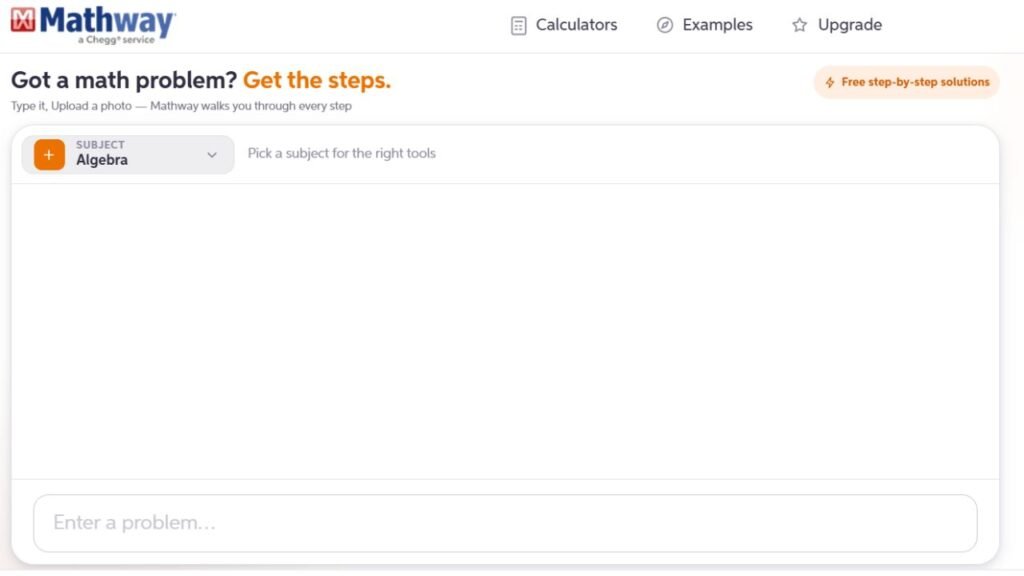
Mathway is one of the most popular homework-solving apps for students because it quickly solves equations across multiple areas of mathematics. Students can enter problems manually or use their device’s camera to scan equations for immediate solutions.
Its simple interface makes it useful for quick homework checks and exam revision.
Key Features
- AI equation solver
- Camera scanning
- Algebra solver
- Geometry support
- Calculus tools
- Graphing
Best For
- Homework review
- Algebra
- Calculus
- Geometry
- Everyday mathematics
Pricing
Free version available with premium subscription.
Free Plan
Students can receive answers for many math problems without paying, while premium plans unlock more detailed solution steps.
Advantages
- Fast calculations
- Easy interface
- Supports many math topics
- Excellent homework companion
Limitations
- Complete explanations require premium access
- Less educational than some competitors
Real Student Use Cases
Students use Mathway to:
- Verify homework
- Check calculations
- Practice equations
- Prepare for quizzes
- Review class assignments
When Should You Choose It?
Choose Mathway when you need quick answers and homework verification across multiple mathematics subjects.
Google Gemini
Google Gemini helps students understand mathematical concepts by explaining formulas, solving problems, and organizing study sessions. While it isn’t designed exclusively for mathematics, it works well as an AI study assistant for homework and exam preparation.
Students who already rely on Google Workspace often appreciate how naturally Gemini fits into their workflow.
Key Features
- Homework explanations
- Formula breakdowns
- Study assistance
- Problem solving
- Assignment organization
- Google Workspace integration
Best For
- Homework help
- Study planning
- Concept explanations
- Daily assignments
Pricing
Free version available with premium plans.
Free Plan
Students can access core features without paying.
Advantages
- Easy to use
- Helpful explanations
- Excellent Google integration
- Supports multiple subjects
Limitations
- Advanced calculations should be verified
- Less specialized than dedicated math software
Real Student Use Cases
Students use Gemini to:
- Understand formulas
- Review lessons
- Organize homework
- Prepare exams
- Solve practice questions
When Should You Choose It?
Choose Google Gemini if you want an AI study assistant that combines mathematics support with everyday productivity tools.
Claude
Claude performs particularly well when students need detailed mathematical explanations instead of brief answers. It can explain proofs, describe mathematical reasoning, and simplify complex textbook problems into smaller, understandable sections.
Its ability to analyze lengthy documents also makes it useful for university mathematics courses.
Key Features
- Step-by-step reasoning
- Formula explanations
- Long-document analysis
- Mathematical discussions
- Homework assistance
Best For

- University mathematics
- Proof-based learning
- Textbook explanations
- Advanced coursework
Pricing
Free version available with premium subscription.
Free Plan
The free version provides sufficient functionality for most students.
Advantages
- Excellent explanations
- Handles complex discussions
- Strong reasoning ability
- Helpful study companion
Limitations
- Should not replace computational software
- Calculations should be verified independently
Real Student Use Cases
Students use Claude to:
- Understand mathematical proofs
- Review textbook chapters
- Learn advanced concepts
- Prepare for exams
- Improve mathematical reasoning
When Should You Choose It?
Choose Claude when you want detailed explanations that help you understand why mathematical solutions work.
Khanmigo
Khanmigo is Khan Academy’s AI-powered tutor that guides students through mathematics instead of simply displaying answers. It encourages students to think critically by asking questions and providing hints throughout the learning process.
This teaching-focused approach makes it one of the strongest options for long-term improvement.
Key Features
- Guided tutoring
- Interactive questions
- Personalized learning
- Homework support
- Practice exercises
- Educational feedback
Best For
- High school students
- Independent learning
- Homework practice
- Exam preparation
Pricing
Available through Khan Academy with subscription options depending on the plan.
Free Plan
Many educational resources remain free, while expanded AI tutoring features may require a subscription.
Advantages
- Encourages learning
- Excellent educational design
- Strong concept explanations
- Trusted learning platform
Limitations
- Less flexible than general AI assistants
- Advanced AI features may require payment
Real Student Use Cases
Students use Khanmigo to:
- Practice algebra
- Learn geometry
- Prepare for exams
- Review classroom lessons
- Improve problem-solving skills
When Should You Choose It?
Choose Khanmigo if your goal is to build stronger mathematical understanding rather than simply completing homework faster.
Free vs Paid AI Math Tools
| Feature | Free Plans | Paid Plans |
|---|---|---|
| Basic Equation Solving | ✅ | ✅ |
| Step-by-Step Solutions | Limited | ✅ |
| Graphing Tools | ✅ | ✅ |
| AI Explanations | ✅ | ✅ |
| Advanced STEM Features | Limited | ✅ |
| Higher Usage Limits | ❌ | ✅ |
| Premium Learning Resources | ❌ | ✅ |
| Priority Access | ❌ | ✅ |
For most students, free plans are enough for daily homework and exam preparation. Paid plans are more valuable for advanced STEM courses, university mathematics, or students who need detailed solution steps regularly.
Which AI Math Tool Is Best?
| Student Need | Best Tool |
|---|---|
| Overall Math Learning | Photomath |
| Advanced Mathematics | Wolfram Alpha |
| Free Math Solver | Microsoft Math Solver |
| Step-by-Step Learning | Symbolab |
| Understanding Concepts | ChatGPT |
| Graphing & Geometry | GeoGebra |
| Homework Checking | Mathway |
| Google Users | Google Gemini |
| Detailed Explanations | Claude |
| Guided Tutoring | Khanmigo |
Expert Tips for Using AI Math Tools
AI math tools produce the best results when they help you understand concepts rather than simply finish assignments.
Follow these best practices:
- Ask for step-by-step explanations instead of only the answer.
- Solve the problem yourself after reviewing the AI solution.
- Compare answers using more than one math tool.
- Practice similar problems without AI assistance.
- Use graphing tools to visualize equations.
- Keep handwritten notes alongside AI explanations.
- Review mistakes after every homework session.
- Verify important calculations before submitting assignments.
Common Mistakes Students Make
Avoid these common mistakes:
- Copying answers without understanding the process.
- Using AI instead of practicing mathematics.
- Ignoring step-by-step explanations.
- Depending on one tool for every topic.
- Forgetting to verify advanced calculations.
- Skipping graph visualization.
- Waiting until exam week to review concepts.
- Relying on AI instead of asking teachers for clarification when needed.
Frequently Asked Questions
1. What is the best AI math tool for students?
Photomath is one of the best overall AI math tools because it combines camera-based equation scanning with detailed step-by-step explanations that help students understand each solution.
2. Which AI is best for advanced mathematics?
Wolfram Alpha is one of the strongest choices for advanced mathematics, engineering, physics, statistics, and other STEM subjects.
3. Are AI math tools free?
Many popular AI math tools, including Photomath, Microsoft Math Solver, GeoGebra, ChatGPT, Google Gemini, and Wolfram Alpha, offer free plans with enough features for most students.
4. Which AI app explains math step by step?
Photomath and Symbolab are especially well known for providing detailed, step-by-step explanations instead of only displaying the final answer.
5. Can AI solve calculus problems?
Yes. Wolfram Alpha, Symbolab, Mathway, and ChatGPT can all help with calculus, although complex solutions should always be reviewed carefully.
6. Which AI tool is best for geometry?
GeoGebra is an excellent option because it provides interactive graphs, geometric constructions, and visual learning tools that make geometry easier to understand.
7. Can AI help prepare for math exams?
Yes. Students commonly use AI math tools to review formulas, solve practice questions, explain concepts, and identify areas that need more study before exams.
8. Is it safe to rely on AI for math homework?
AI should be used as a learning assistant rather than a replacement for independent practice. Always review the solution, verify important calculations, and make sure you understand the reasoning before submitting your work.
9. Which AI math tool is best for college students?
College students often benefit from Wolfram Alpha for advanced STEM courses, Symbolab for detailed solutions, and ChatGPT or Claude for understanding complex mathematical concepts.
10. Should I pay for an AI math app?
Most students can meet their daily study needs with free plans. A paid subscription may be worthwhile if you frequently need advanced step-by-step explanations, higher usage limits, or specialized STEM features.
Conclusion
The Best AI Math Tools for Students make mathematics more approachable by combining accurate calculations with clear explanations and interactive learning. Whether you’re reviewing algebra, solving calculus problems, creating graphs, or preparing for university exams, the right tool can save time while strengthening your understanding of the subject.
For most students, Photomath is the best all-around choice for everyday homework, while Wolfram Alpha remains the leading platform for advanced STEM calculations. Microsoft Math Solver offers an excellent free experience, Symbolab specializes in step-by-step learning, GeoGebra brings mathematical concepts to life through visualization, Mathway simplifies homework checking, and ChatGPT, Google Gemini, Claude, and Khanmigo provide valuable explanations that complement dedicated math software.
The most effective way to use these tools is to treat them as personal tutors rather than answer generators. Focus on understanding the reasoning behind each solution, practice independently, and verify your work. Over time, that approach will build stronger mathematical skills and greater confidence in the classroom.